
About | Privacy Policy | Terms of Use | Support | Contact Us
Copyright © 2026 Tipard Studio. All Rights Reserved.

Windows

Rip your favorite Blu-ray/DVD movies or videos to popular formats

Powerful software to play Blu-ray/DVD videos and audio

Create Blu-ray disc/folder/ISO file with your own video

Backup/Copy your favorite Blu-ray to disc/folder/iso files
Mac

Rip your favorite Blu-ray/DVD movies or videos to popular formats on Mac

Powerful software to play Blu-ray and popular video formats on Mac
Windows

Rip DVD to any popular video format quickly of full quality

Create DVD from videos and burn video to DVD/Blu-ray freely

Copy DVD to DVD disc/folder/ISO files in a 1:1 ratio
Mac

Rip DVD to any popular video format quickly of full quality on Mac

Burn or author a DVD from videos with subtitles and chapters on Mac

Copy DVD to DVD disc/folder/ISO files in a 1:1 ratio on Mac
Windows

Rip DVD, convert 4K video, edit, and upscale videos to 5K/8K

Repair broken videos with high accuracy and support many formats

Convert any video to MP3, MP4, MOV, WAV, and other 350 formats

Upscale resolution, optimize brightness and remove video noise

The easiest tool to capture screen, game, audio, etc. with high quality

Convert any 2D video to 3D video and convert 3D to 2D video

Convert 4K video to 4K/1080P and common videos

Convert TS video to various popular video/audio formats
Mac

Rip DVD, convert 4K video, edit, and upscale videos to 5K/8K on Mac

Repair broken videos with high accuracy and support many formats on Mac

Convert any video to MP3, MP4, MOV, WAV, and other 350 formats on Mac

Upscale resolution, optimize brightness and remove video noise on Mac

The easiest tool to capture screen, game, audio, etc. with high quality on Mac

Convert any 2D video to 3D video and convert 3D to 2D video on Mac

Convert 4K video to 4K/1080P and common videos on Mac

Convert TS video to various popular video/audio formats on Mac
Desktop

Rip and convert DVDs to MP3 and support other audio formats

Reset Windows Admin and Standard user account password in seconds

Accurately Convert any PDF file to Word with OCR

Convert PDF to Word, Excel, HTML and Image with OCR
Online

Easily remove watermarks from many image file formats free online
100% Clean & Safe
100% Clean & Safe
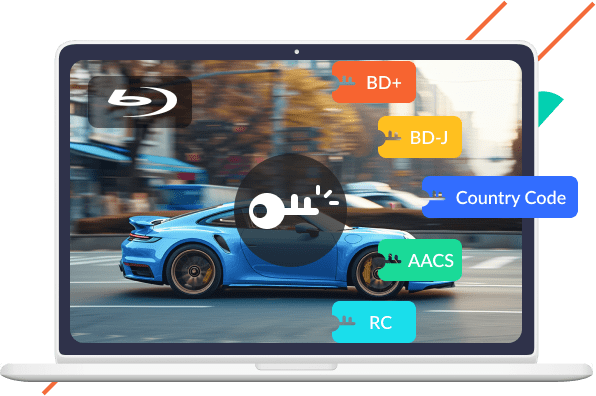
Tipard Free Blu-ray Ripper can remove common Blu-ray copy protections, such as BD+, BD-J, AACS, RC, Country Code, and more.
PS: If you want to remove protection from newly purchased encrypted Blu-ray discs, you can try the pro version of Tipard Blu-ray Converter
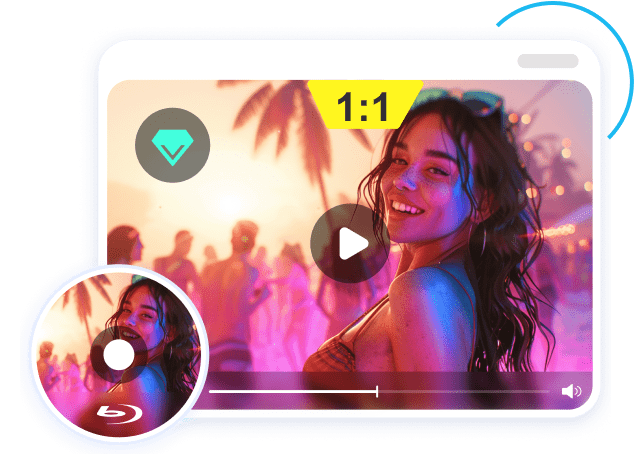
Upgrade to the Pro Version Upgrade to the Pro VersionThis Free Blu-ray Ripper can quickly convert your Blu-rays to many other video and audio formats while keep the original quality as 1:1. You can enjoy a wonderful home-theatre watching experience!
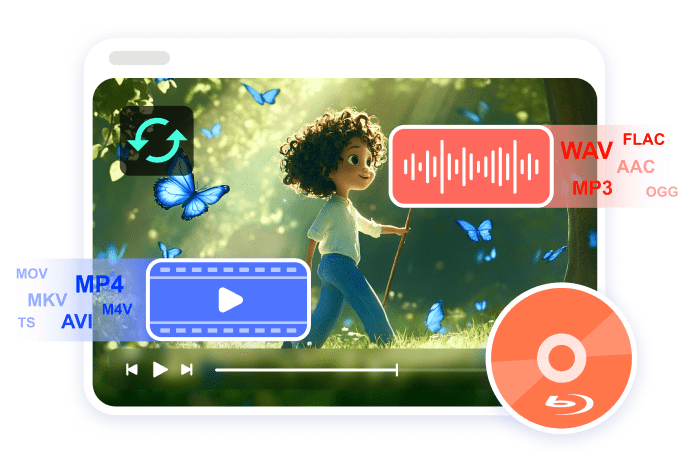
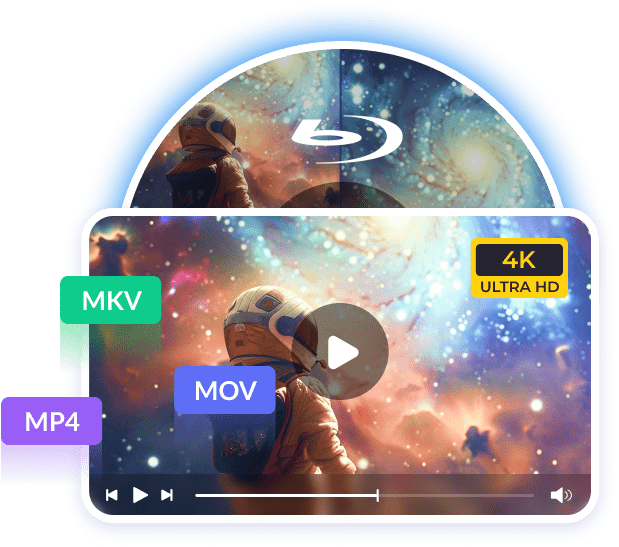
This free Blu-ray can convert your Blu-ray ripper to many video formats, such as MP4, MKV, AVI, MOV, TS, M4V, etc.
Many audio formats are supported: MP3, AAC, FLAC, M4A, OGG, FLAC, etc.
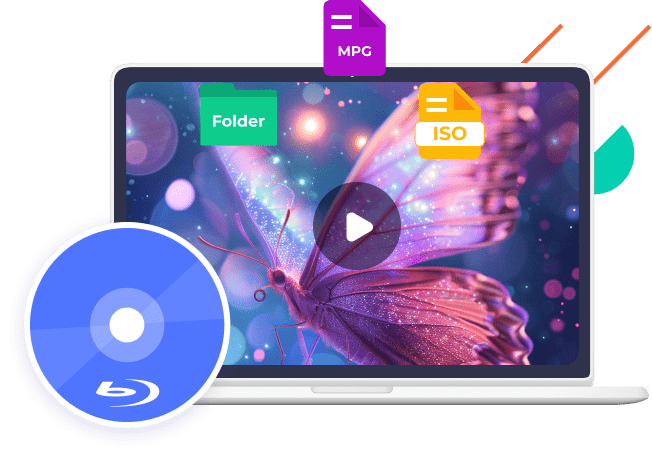
You can rip your Blu-ray to ISO and Blu-ray folder or the older format - MPG in this Free Blu-ray Ripper. In this way, you back up or share the Blu-ray with original quality.
Tipard Free Blu-ray Ripper uses the best accelerating technology, Blu-Hyper technology, which includes Graphics processing, and video decoding/encoding technology based on CPU level. You can rip Blu-ray and DVD at 30× speed. If you want to convert Blu-ray or DVD in batch, you can Upgrade the Free Blu-ray Ripper to the Pro Version.
Upgrade the Free Blu-ray Ripper to the Pro Version Upgrade the Free Blu-ray Ripper to the Pro Version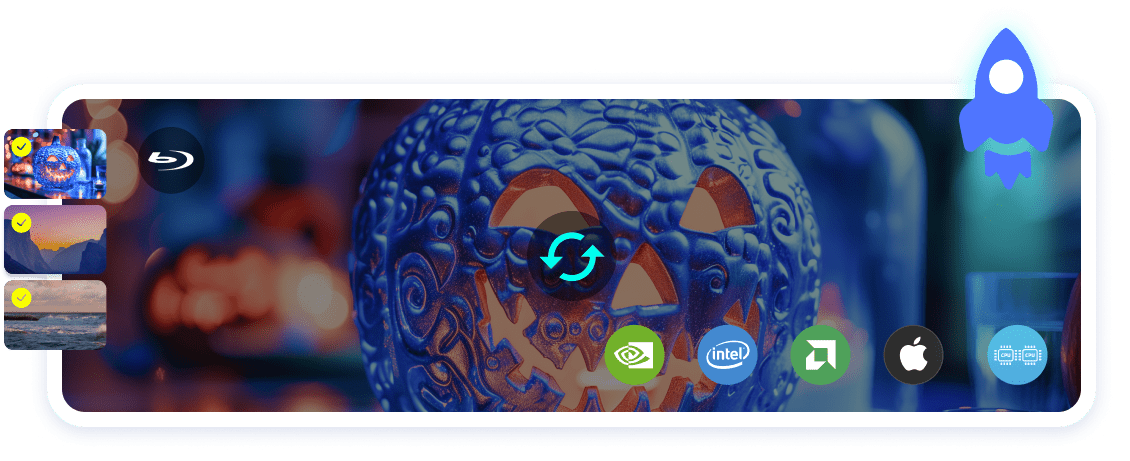
| Enjoy More - Upgrade the Free Blu-ray Ripper to Pro | ||
|---|---|---|
| Features |
Free Blu-ray Ripper |
The Pro Version |
| Supported discs | CSS and region-locked Blu-rays | Latest, CSS, 99-title, region-locked DVD and Blu-ray discs |
| Output formats | Blu-ray ISO/folder, MP4, MKV | Blu-ray ISO/folder, 1000+ video and audio formats: MP4, MKV, MP3, etc. |
| Support sensitive Blu-rays | ||
| Remove newest Blu-ray protections | ||
| Lossless backup to BD50 | ||
| Compress to BD25/BD9/BD5 | ||
| Supported copy modes | Full disc only | Selective ripping |
| Output video resolution | Original | Lossless upscale to 1080P/4K |
| De-interlacing/high-quality engine | ||
| Level-3 hardware acceleration | ||
| Customize & edit features | Trim, crop, filter, watermark, add audio and subtitle | |

Enjoy a 20% OFF Offer to Upgrade to the Pro Version - Blu-ray Converter
$32.00$40.00
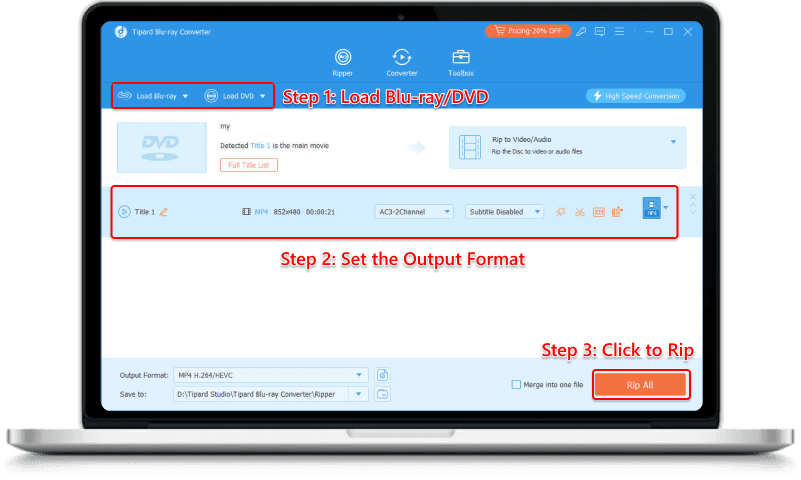
Step 1. Run this software and select "Ripper" tab. Click "Load Blu-ray" or "Load DVD" to load the Blu-ray or DVD disc.
Step 2. Select output format. You can also customize the output settings by adjusting the quality, encoder, frame rate, bitrate, etc.
Step 3. Click "Rip All" button at the bottom-right corner to start to rip the Blu-ray/DVD on your computer immediately.
| Tipard Free Blu-ray Ripper - Tech Specs and System Requirements | ||
|---|---|---|
| Supported Formats | Input Formats | Plain, commercial, 99-title Blu-ray, ISO, DVD folder |
| Output Formats | Commonplace MP4 (H.264), AVI, WMV, MOV, MP3, etc. | |
| Output Devices | iPhone, iPad, TV, Samsung, Sony, PCs, game consoles, etc. | |
| System Requirement | Supported OS | Windows 11/10 or lower; macOS 10.12 or above (highly support macOS Golden Gate) |
| Processor | 1.2GHz Intel or AMD CPU, or above; Intel® processor and Apple M2/M3/M4/M5 chip | |
| RAM | 1G RAM or higher recommended | |
Yes, it is. It's totally safe to use Tipard Free Blu-ray Ripper on your Windows and Mac. It can rip your Blu-rays for free and convert them to many video formats. This Free Blu-ray Ripper won't affect your Blu-ray discs, computer, data, privacy, and everything!
This Free Blu-ray Ripper recommends MKV as the output format for ripping Blu-rays. MKV can maintain high video quality and is flexible enough to hold the most audio codecs and subtitle formats. For a better watching experience, you can rip Blu-ray for free and convert your Blu-rays to MKV.
The Free Blu-ray Ripper can rip your Blu-rays for an average of 66 mins (a 2-hour BD movie). If you want to rip Blu-ray faster, you can Upgrade the Free Blu-ray Ripper to the Pro Version, which can rip a 2-hour Blu-ray disc for about 12 minutes.
Yes, it's a good idea to upgrade the Free Blu-ray Ripper to its pro version. After the upgrade, you can rip any Blu-ray discs, including newly released movie Blu-rays. You can also edit the ripped Blu-ray videos. Moreover, the ripping speed will be much faster and save you much time.
Free Blu-ray Ripper really helped me rip 3 Blu-ray movies. My Blu-ray videos are totally good and have high video quality. However, I got some new movie Blu-rays and want to rip them. Maybe I should upgrade to the pro version to rip them successfully.
It rips my homemade Blu-ray disc easily and works well. I can share my own Blu-ray videos with my fans, However, some videos require editing. Maybe the pro version of this Free Blu-ray Ripper can help me. If there's a discount, I'm willing to try it!
Thankful for this Free Blu-ray Ripper. I was hurried to deal with multiple video stuffs and this Free Blu-ray Ripper helped me rip a Blu-ray disc at night. It works smoothly. Luckily! Nothing went wrong. I'm so relieved, all because of this Free Blu-ray Ripper!