

About | Privacy Policy | Terms of Use | Support | Contact Us
Copyright © 2026 Tipard Studio. All Rights Reserved.

Windows

Rip your favorite Blu-ray/DVD movies or videos to popular formats

Powerful software to play Blu-ray/DVD videos and audio

Create Blu-ray disc/folder/ISO file with your own video

Backup/Copy your favorite Blu-ray to disc/folder/iso files
Mac

Rip your favorite Blu-ray/DVD movies or videos to popular formats on Mac

Powerful software to play Blu-ray and popular video formats on Mac
Windows

Rip DVD to any popular video format quickly of full quality

Create DVD from videos and burn video to DVD/Blu-ray freely

Copy DVD to DVD disc/folder/ISO files in a 1:1 ratio
Mac

Rip DVD to any popular video format quickly of full quality on Mac

Burn or author a DVD from videos with subtitles and chapters on Mac

Copy DVD to DVD disc/folder/ISO files in a 1:1 ratio on Mac
Windows

Rip DVD, convert 4K video, edit, and upscale videos to 5K/8K

Repair broken videos with high accuracy and support many formats

Convert any video to MP3, MP4, MOV, WAV, and other 350 formats

Upscale resolution, optimize brightness and remove video noise

The easiest tool to capture screen, game, audio, etc. with high quality

Convert any 2D video to 3D video and convert 3D to 2D video

Convert 4K video to 4K/1080P and common videos

Convert TS video to various popular video/audio formats
Mac

Rip DVD, convert 4K video, edit, and upscale videos to 5K/8K on Mac

Repair broken videos with high accuracy and support many formats on Mac

Convert any video to MP3, MP4, MOV, WAV, and other 350 formats on Mac

Upscale resolution, optimize brightness and remove video noise on Mac

The easiest tool to capture screen, game, audio, etc. with high quality on Mac

Convert any 2D video to 3D video and convert 3D to 2D video on Mac

Convert 4K video to 4K/1080P and common videos on Mac

Convert TS video to various popular video/audio formats on Mac
Desktop

Rip and convert DVDs to MP3 and support other audio formats

Reset Windows Admin and Standard user account password in seconds

Accurately Convert any PDF file to Word with OCR

Convert PDF to Word, Excel, HTML and Image with OCR
Online

Easily remove watermarks from many image file formats free online
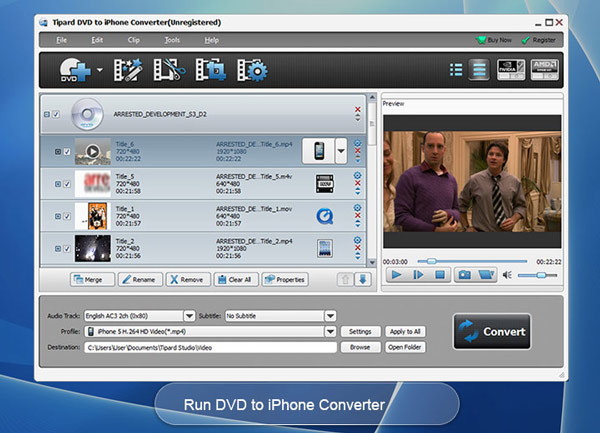
Tipard iPhone Converter Suite is the package of DVD to iPhone Converter, iPhone Video Converter and iPhone to PC Transfer, which is capable of converting DVD and videos to iPhone format like MP4, MOV, M4V, MP3, M4A, AAC, etc with ease. In addition, the multiple editing features will ensure you to get the amazing output video.
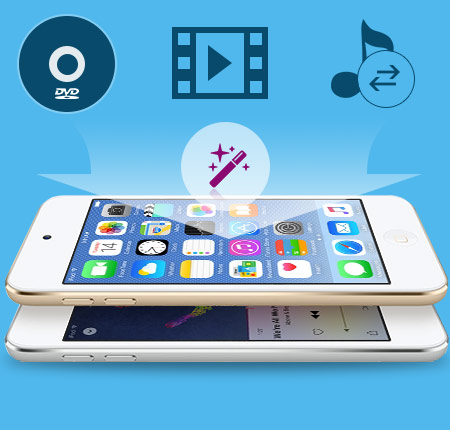
Tipard iPhone Conversion software is able to help you finish the DVD/video to iPhone conversion effortlessly. The initial interface makes it easy for anyone. Also, the flexible video editing functions guarantee an ideal output video effect.
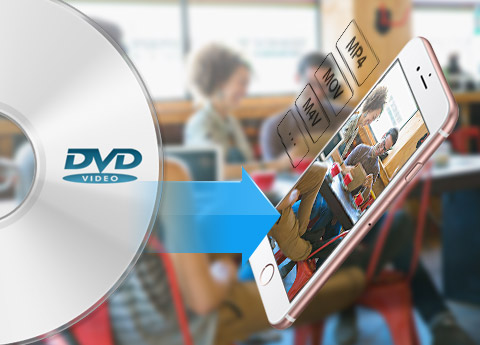
Would you like to put your DVD movies on iPhone so that you can enjoy the movies wherever you want? However, iPhone can't fulfill your demand right now. You need a third-party tool to make it happen. Tipard iPhone Converter is able to perfectly convert any DVD to MP4, MOV, M4V, H.264, etc, thus you can enjoy the DVD movies on iPhone wherever and whenever you want. In addition, it enables you to take out the audio files from the DVD and convert them to MP3, AAC, M4A, AIFF, etc with 100% original quality. The converted video and audio files can play on multiple devices like iPad, iPod, Galaxy S4, Nokia Lumia, BlackBerry, etc. Once you own this powerful iPhone Converter, you'll have a greatly enhanced multimedia life.
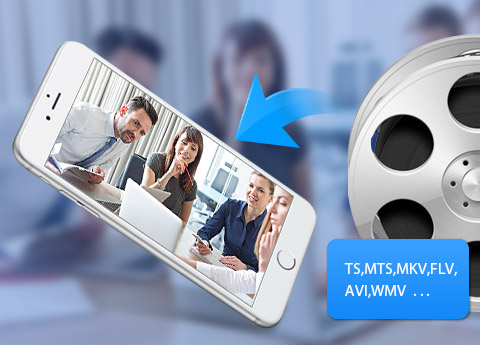
Maybe you feel frustrated when the iPhone can't recognize the video file that you've downloaded from the Internet. Don't let this ruin your desire to watch that video on iPhone. Tipard iPhone Video Converter can fix your problem very easily. It's able to convert almost all video files to iPhone compatible video formats, so you can have a great enjoyment with iPhone. Any format like TS, MXF, AVI, FLV, MKV, WMV and more can be converted to iPhone with super fast speed and unbelievable video effect. If you just need the audio files of the videos, iPhone Conversion software can meet your needs. It's able to extract the audio files for playback on iPhone for your convenience.
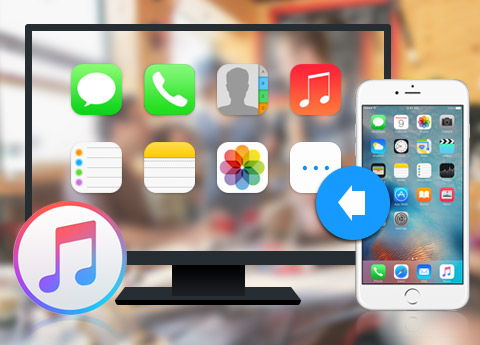
With the multifunctional iPhone Converter Suite, you're entitled to transfer iPhone files to PC or iTunes for backup; therefore you have no worry about data loss. You can transfer all the iPhone files to PC or iTunes, including music/movie/Pictures/TV Shows/Podcast/iTunes U/eBooks/Camera Roll/Ringtone/SMS/Contacts/Voice memos/Camera shot, etc. This versatile iPhone to PC Transfer software is compatible with all Apple device versions, like iPhone 17/iPhone Air/iPhone 17 Pro/iPhone 17 Pro Max, iPhone 16/iPhone 16 Plus/iPhone 16 Pro/iPhone 16 Pro Max, iPhone 15/iPhone 15 Plus/iPhone 15 Pro/iPhone 15 Pro Max, iPhone 14/iPhone 14 Plus/iPhone 14 Pro/iPhone 14 Pro Max, iPhone 13/iPhone 13 Pro/iPhone 13 Pro Max/iPhone 13 mini, iPhone 12/12 Pro/12 Pro Max/12 mini, iPhone 11/11 Pro/11 Pro Max, iPhone XS/XS Max/XR/X, iPhone 8/8 Plus, iPhone 7/7 Plus, iPhone SE, iPhone 6s, iPhone 6s plus, iPhone 6, iPhone 6 plus, iPhone 5, iPhone 4S, iPad Pro, iPad 4, iPad mini, the new iPad, iPod nano 7, iPod touch 5, iPod classic, iPod shuffle and more. What's more, it preserves original quality of the original iPhone files.
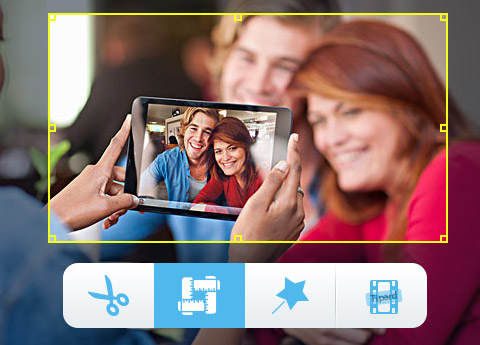
Besides the DVD/video to iPhone Conversion and iPhone file to PC transfer function, it is a video editing tool. In the "Edit" window, you're allowed to adjust the video effect like Brightness, Contrast, Saturation, Hue and Volume, get rid of your unwanted video segment, cut off the black edge of the video frame, add text/image watermark to the video. All in all, Tipard iPhone Converter is your first choice to get the perfect video effect during converting DVD and videos to iPhone.

Acceleration technology
The NVIDIA® CUDA™ technology and AMD APP Acceleration technology make sure that you can finish conversion quickly.

Ease of use
It's the professional yet easy-to-use iPhone Converter. With a few simple clicks, you can get the converted video/audio files.

Preview and snapshot
You're allowed to preview the video before the conversion and take a snapshot of your favorite video images.

Optimize the output videos
This software can help you optimize the output videos with creative editing functions at will.

Nathan:Tipard iPhone Converter is the top iPhone Converters in the world. It owns powerful conversion function and creative video editing function. It's a must-have for the iPhone users.

Cassiel: I just converted my DVD to iPhone a few minutes ago. The only thing I have to say is I love this fantastic iPhone Converter. I love the fast converting speed and best video quality. Highly recommend!

Ben:The good impression lasts from the trial stage till now. I haven't found any problem in operation. Easy design and powerful function!
Convert DVD/video to 2D/3D format; highly support iPhone SE, iPhone 6s/6s plus, iPhone 4, iPhone 4S, iPhone 5.
Rip DVD, convert video, make DVD, copy DVD files and transfer iPhone files among IOS file and PC/iTunes.


