 Go to Windows Version
 Total Media Converter

About | Privacy Policy | Terms of Use | Support | Contact Us
Copyright © 2025 Tipard Studio. All Rights Reserved.

Windows

Rip your favorite Blu-ray/DVD movies or videos to popular formats

Powerful software to play Blu-ray/DVD videos and audio

Create Blu-ray disc/folder/ISO file with your own video

Backup/Copy your favorite Blu-ray to disc/folder/iso files
Mac

Rip your favorite Blu-ray/DVD movies or videos to popular formats on Mac

Powerful software to play Blu-ray/DVD videos and audio on Mac
Windows

Rip DVD to any popular video format quickly of full quality

Create DVD from videos and burn video to DVD/Blu-ray freely

Copy DVD to DVD disc/folder/ISO files in a 1:1 ratio
Mac

Rip DVD to any popular video format quickly of full quality on Mac

Create DVD from videos and burn video to DVD/Blu-ray freely on Mac

Copy DVD to DVD disc/folder/ISO files in a 1:1 ratio on Mac
Windows

Rip DVD, convert 4K video, edit, and upscale videos to 5K/8K

Repair broken videos with high accuracy and support many formats

Convert any video to MP3, MP4, MOV, WAV, and other 350 formats

Upscale resolution, optimize brightness and remove video noise

The easiest tool to capture screen, game, audio, etc. with high quality

Convert any 2D video to 3D video and convert 3D to 2D video

Convert 4K video to 4K/1080P and common videos

Convert TS video to various popular video/audio formats
Mac

Rip DVD, convert 4K video, edit, and upscale videos to 5K/8K on Mac

Repair broken videos with high accuracy and support many formats on Mac

Convert any video to MP3, MP4, MOV, WAV, and other 350 formats on Mac

Upscale resolution, optimize brightness and remove video noise on Mac

The easiest tool to capture screen, game, audio, etc. with high quality on Mac

Convert any 2D video to 3D video and convert 3D to 2D video on Mac

Convert 4K video to 4K/1080P and common videos on Mac

Convert TS video to various popular video/audio formats on Mac
Desktop

Rip and convert DVDs to MP3 and support other audio formats

Reset Windows Admin and Standard user account password in seconds

Accurately Convert any PDF file to Word with OCR

Convert PDF to Word, Excel, HTML and Image with OCR
Online

Easily remove watermarks from many image file formats free online
248 Reviews
30-Day Money Back Guarantee
30-Day Money Back Guarantee
 Go to Mac Version
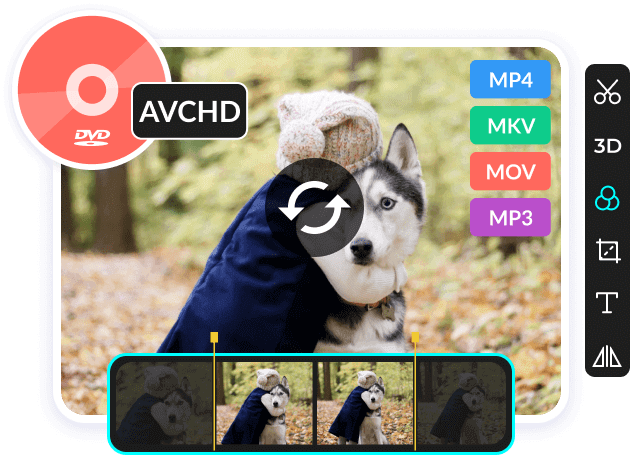
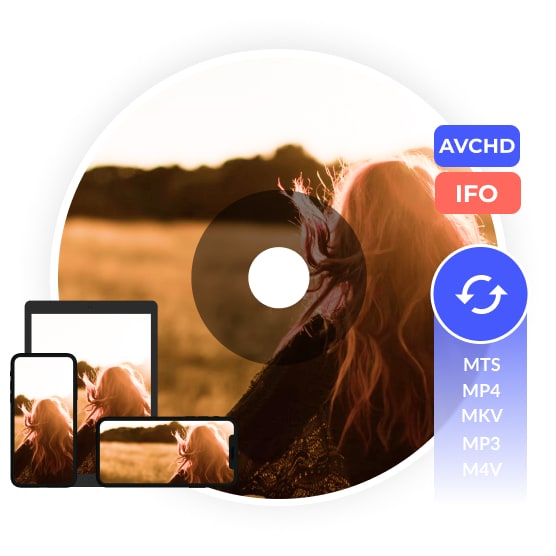
Tipard Total Media Converter can convert your DVD to digital video and audio formats as well as fashionable portable devices compatible formats. Apart from ripping DVD discs, folders, and IFO files, you can also use this software to convert AVCHD discs to digital video and audio. At the same time, it supports almost all video formats, including MTS, MKV, FLV, TS, MXF to MP4, AVI, MOV, WMV, and more. It can also rip DVD to HD video, like HD AVI, HD MPG, HD TS, HD ASF, HD WMV, HD VOB, etc. You can convert DVDs to one format or different formats by one conversion. Its powerful converting function makes the converted files highly compatible with the most popular portable devices, like iPhone, iPad, Samsung, and more.
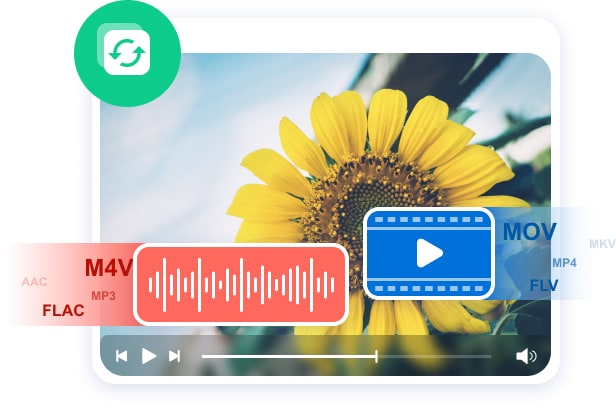
Powerful Tipard Total Media Converter can not only support ripping DVDs to digital videos but also can convert video and audio to other formats. In addition, the software can extract audio from DVDs and videos when you only need to listen to your video's background music. This video and audio converter supports almost all formats, including MTS, MP4, MKV, FLV, AVI, MOV, WMV, MP3, M4V, AAC, etc. So, in this software, you can convert video to MP4, convert MP4 to MP3, convert MOV to MP4, etc. Besides, if you have multiple files to change formats and think converting files one by one is time-consuming, you can use this tool to convert them in bulk at once.
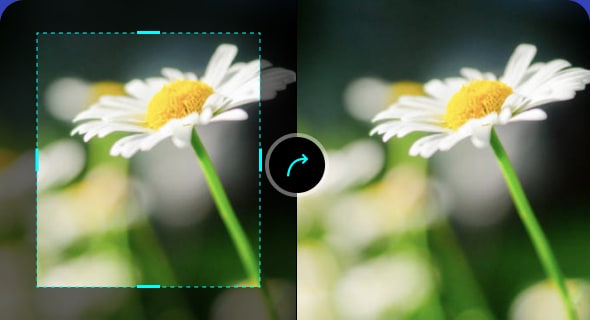
Tipard Total Media Converter can help you edit your media files. When your DVD disc carries old videos with dark sides, you can crop these old videos to cut sides out in this program. You also can use this video resizer to change your video aspect ratio so that it can be posted on Instagram or TikTok with complete content.
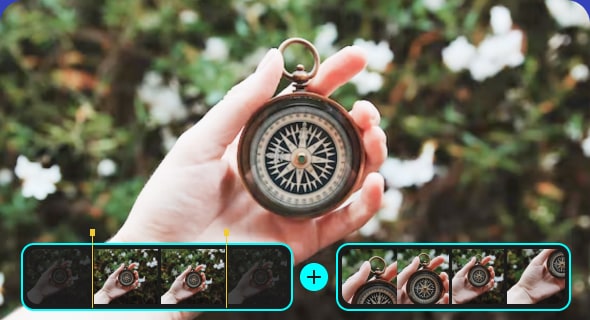
You are allowed to clip/split your DVD and videos into one or more segments with Tipard Total Media Converter. With this video trimmer, you can cut a part out of your video when you think it is too long. With this function, you can split your video into several clips based on your needs.
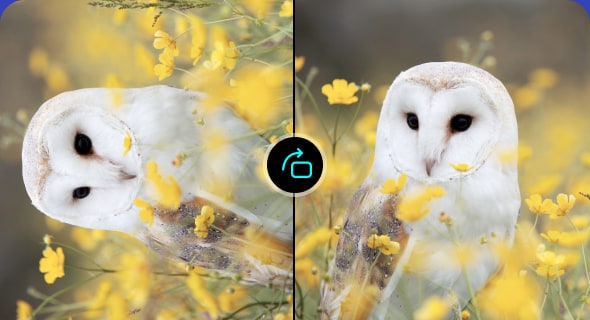
Tipard Total Media Converter lets you change your video orientation according to your needs. You can use this function to rotate your video to the left and right, converting your portrait videos to the landscape. This feature also can help you flip your videos up horizontally and vertically.
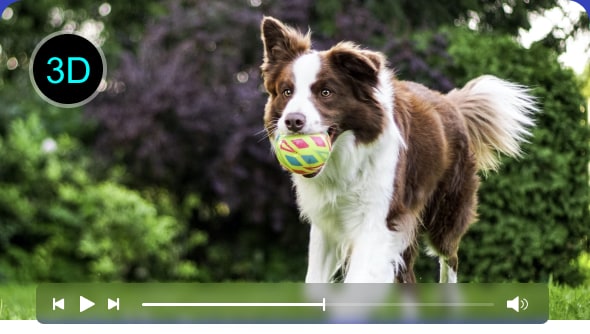
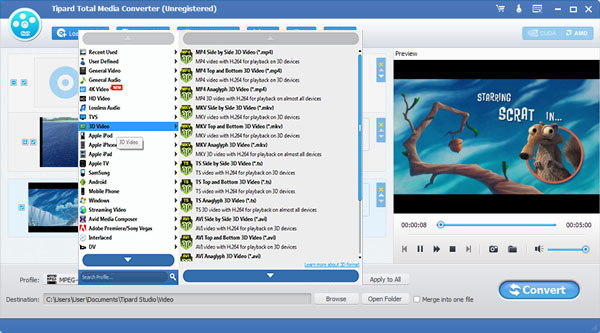
Appealed by 3D movies and want your general videos to look like 3D videos? Tipard Total Media Converter can help you convert your DVDs and videos to 3D videos or add 3D effects to your videos. There are three ways Side by Side, Top and Bottom, and Anaglyph 3D help you realize convert 2D videos to 3D.
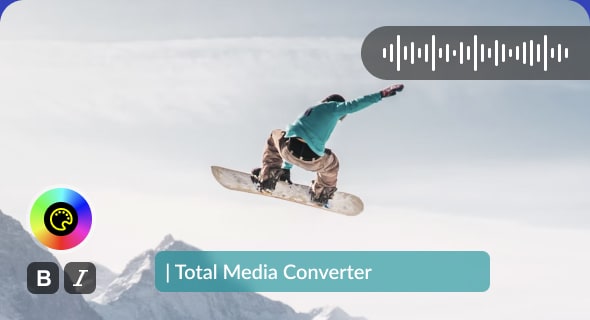
When your DVDs or videos already have background music and subtitles but are unsatisfied with them, you can replace them with new ones. You can also select the preferred audio track and subtitles if your video has more than one, or choose no subtitle according to your needs in this software.
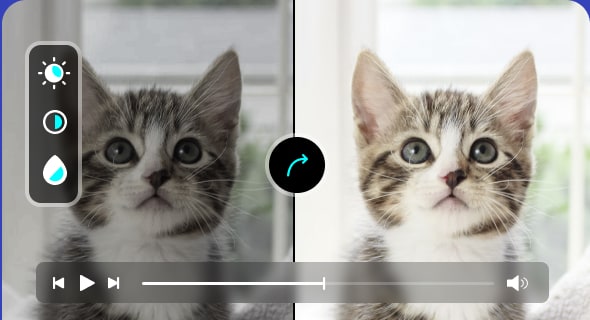
Tipard Total Media Converter can help you to improve your video effects by adjusting the Brightness, Contrast, Saturation, and Hue of your video. Besides, you can brighten your videos to make objects and people in videos visible. You can also correct your video color by changing the contrast and saturation.
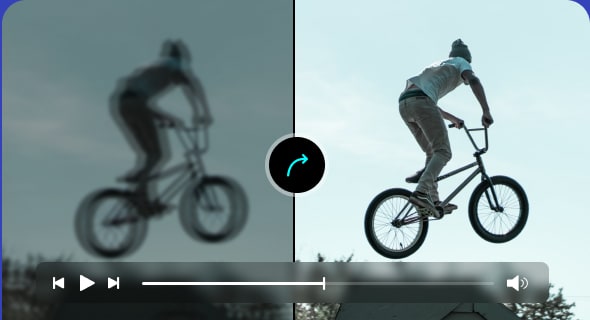
When you shoot shaky or blurry videos, you can use the Enhance function of Tipard Total Media Converter to improve your video quality. This feature can upscale video resolution, reduce video shaking, remove video noise, and optimize video brightness and contrast to improve video quality.
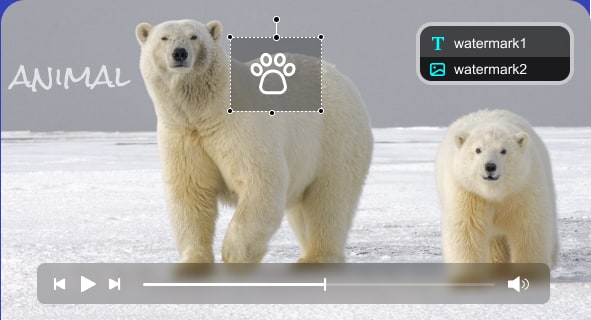
In this software, you can add text or picture watermarks to make your video special. And you can change the text color, size, font, picture size and opacity. In addition, if you need to add text to your video to describe the video content, you can also use this tool. You also can use it to put pictures on your videos.
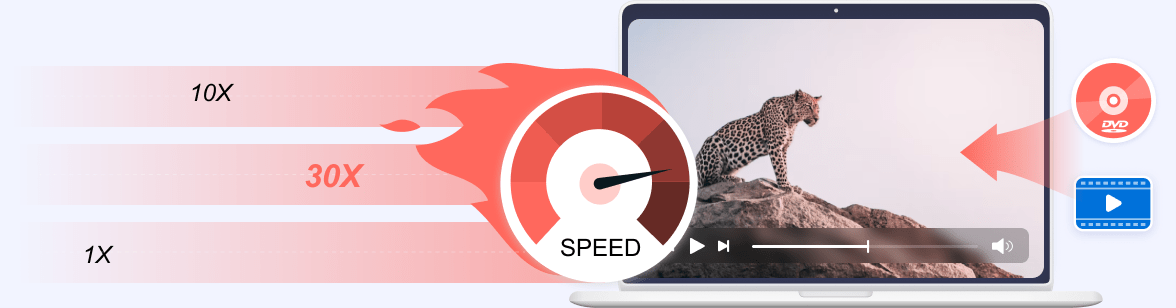
With the NVIDIA CUDA & AMD APP encoding technology, converting speed of Tipard Total Media Converter is 30× faster now. The newly adopted NVIDIA® CUDA™ technology can accelerate your PC GPU to finish your converting task with ultra-high speed and the best output quality. This Converter also supports multi-core CPUs, which can fully utilize your PC power to accelerate the converting speed.
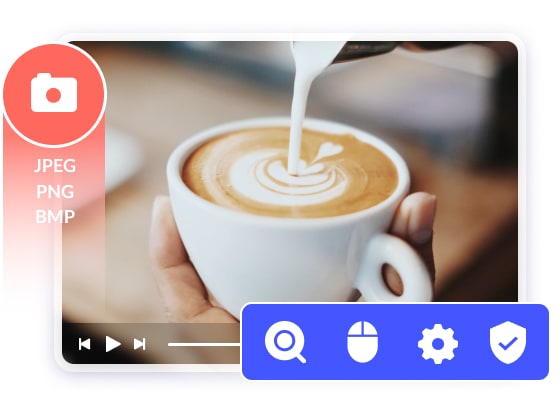
The friendly interface of Total Media Converter makes the operation so easy that even beginners can finish the operation within a few minutes. A built-in player within this Converter assists you in previewing the source DVDs/videos and output videos simultaneously. Thus, you can see the converted video effect more clearly. You can also capture your favorite video images when previewing the video or movie and save them on your local disc as JPEG, PNG, and BMP. In addition, you can choose the settings of the Video Encoder, Resolution, Frame Rate, and Video Bitrate. You can also directly customize the settings of the Audio Encoder, Sample Rate, etc. For example, you can input the Resolution in the form of 1920×1080.
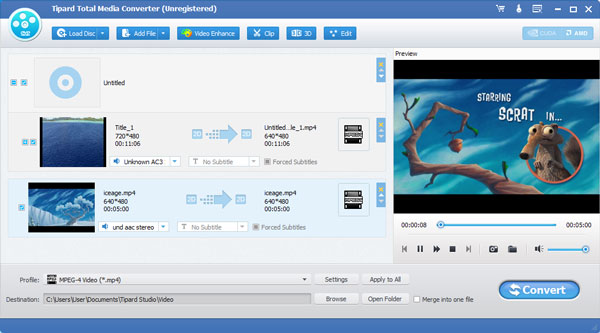
Step 1. Download and install Tipard Total Media Converter on your computer, open it, and click Load Disc or Add File to import your DVD or digital video.
Step 2. Click the bar next to Profile to select the output format you want to convert to for your DVD or video.
Step 3. After selecting the format, please click Convert to finish ripping your DVD or converting your video or audio. Click here to view the video guide.
It's really amazing that Tipard Total Media Converter can support 2D to 3D conversion! And it can convert DVDs as well as various videos to other formats. It is very useful and easy to use. I must give it thumb up!
This converter is indeed friendly. The simple design makes the operation so easy. And the acceleration technology advances the converting speed.
When edit the videos, I can see the source files and converting files at the same time with the preview player, so I can edit the videos perfect.
Create Blu-ray and DVD disc/folder/ISO file from MP4, AVI, MOV, WMV, FLV, MKV, VOB, MPEG, MTS, M2TS, TS, and more.

Convert 4K video to any 4K/1080p HD video, and MP4, AVI, MKV, AVI, MOV, MP3, etc. at 60x faster speed.

Rip DVD disc, folder, iso files to 2D/3D video formats and set 2D/3D video editing at your preference.

Play any Blu-ray and DVD Disc/Folder/ISO Image File for Windows 7/8/10, and also play 4K UHD/1080p HD videos on your computer.
