
About | Privacy Policy | Terms of Use | Support | Contact Us
Copyright © 2026 Tipard Studio. All Rights Reserved.

Windows

Rip your favorite Blu-ray/DVD movies or videos to popular formats

Powerful software to play Blu-ray/DVD videos and audio

Create Blu-ray disc/folder/ISO file with your own video

Backup/Copy your favorite Blu-ray to disc/folder/iso files
Mac

Rip your favorite Blu-ray/DVD movies or videos to popular formats on Mac

Powerful software to play Blu-ray and popular video formats on Mac
Windows

Rip DVD to any popular video format quickly of full quality

Create DVD from videos and burn video to DVD/Blu-ray freely

Copy DVD to DVD disc/folder/ISO files in a 1:1 ratio
Mac

Rip DVD to any popular video format quickly of full quality on Mac

Burn or author a DVD from videos with subtitles and chapters on Mac

Copy DVD to DVD disc/folder/ISO files in a 1:1 ratio on Mac
Windows

Rip DVD, convert 4K video, edit, and upscale videos to 5K/8K

Repair broken videos with high accuracy and support many formats

Convert any video to MP3, MP4, MOV, WAV, and other 350 formats

Upscale resolution, optimize brightness and remove video noise

The easiest tool to capture screen, game, audio, etc. with high quality

Convert any 2D video to 3D video and convert 3D to 2D video

Convert 4K video to 4K/1080P and common videos

Convert TS video to various popular video/audio formats
Mac

Rip DVD, convert 4K video, edit, and upscale videos to 5K/8K on Mac

Repair broken videos with high accuracy and support many formats on Mac

Convert any video to MP3, MP4, MOV, WAV, and other 350 formats on Mac

Upscale resolution, optimize brightness and remove video noise on Mac

The easiest tool to capture screen, game, audio, etc. with high quality on Mac

Convert any 2D video to 3D video and convert 3D to 2D video on Mac

Convert 4K video to 4K/1080P and common videos on Mac

Convert TS video to various popular video/audio formats on Mac
Desktop

Rip and convert DVDs to MP3 and support other audio formats

Reset Windows Admin and Standard user account password in seconds

Accurately Convert any PDF file to Word with OCR

Convert PDF to Word, Excel, HTML and Image with OCR
Online

Easily remove watermarks from many image file formats free online
Tipard iPod Video Converter for Mac provides best iPod video conversion for Mac users to convert both HD and SD videos to iPod compatible MP4, MOV, M4V video formats and extract video to iPod accepted MP3 and M4A audio with lossless quality.
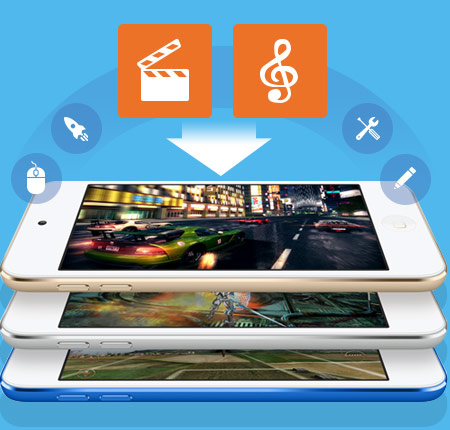
Tipard iPod Video Converter for Mac endows with powerful conversion capability to convert many videos: MKV, MP4, WMV, AVI, FLV, MOD, MOV, 3GP, etc to iPod compatible format. It also allows users to retouch videos effect before coversion to make personalized video.
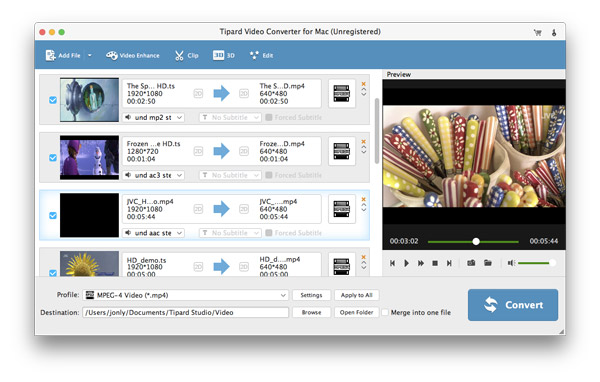
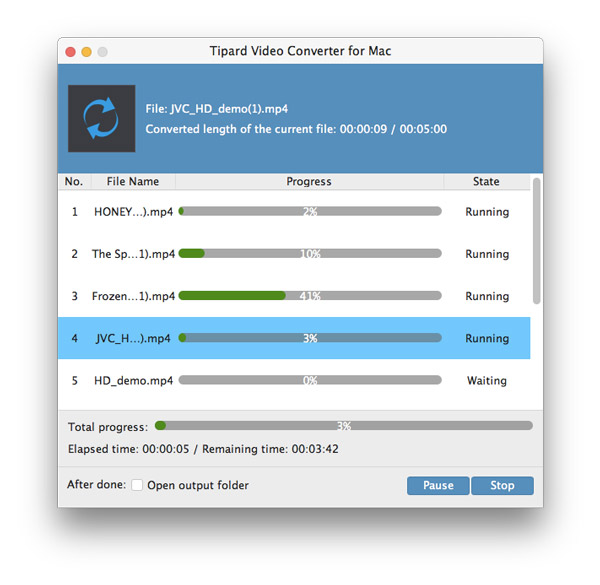
Tipard iPod Video Converter for Mac stands for first-class video to iPod conversion app, which bestows users to both convert videos to iPod MP4, MOV and M4V video format but also convert video to iPod MP3 and M4V audio formats. It can convert nearly all popular video formats, such as MKV, MP4, WMV, VOB, 3GP, MOV, TS, MXF, etc, no matter HD/SD. To convert audio like FLAC, OGG, APE, WAV, etc to iPad auido is also available. Moreover, users are allowed to drag-and-drop video files to the interface to add videos or with the add file image button to add many videos you need convert at one time not one by one. Batch conversion is also feasible to convert many files to iPod compatible file simutaneously. For users, who need to convert all files to one format, the "apply to all" button is attached great importance.
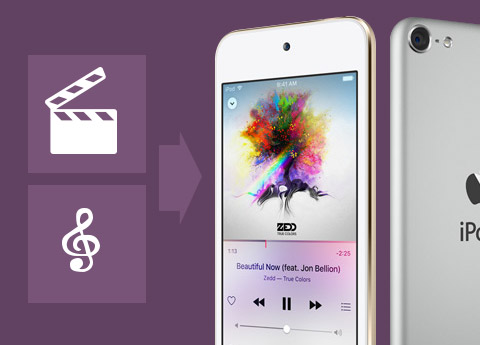
This iPod Video Converter for Mac has a wide range of output profile, which not only suitable for iPod but also for other iOS devices, like iPad, iPhone and Apple TV. With this powerful video to iPod converter for Mac, you can convert videos, like WMV, MKV, MP4, MOD, 3GP, MTS, MXF, VOB, RMVB, TRP, etc to iPod, iPod Classic, iPod Nano, iPod Touch, iPod Nano 7, iPod Touch 5, iPad, iPad 2, New iPad, iPad 4, iPad Air, iPad Pro, iPhone 6s, iPhone 6s plus, iPhone, iPhone 3GS, iPhone 4, iPhone 4S, iPhone 5 and iPhone 5S/5C. Apart from iPod, iPhone,iPad device, you are also allowed to convert video to Apple TV/2/3. With this powerful iPod Video Converter for Mac, enjoying video with Apple devices is out of question. For users who need to convert video to prevailing device support MP4 or MOV, this software is also helpful.

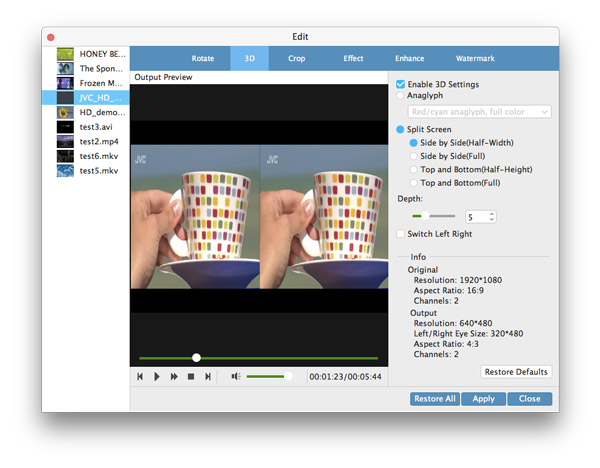
Tipard iPod Video Converter for Mac provides best solution to convert video to iPod for Mac users. It does well in editing, retouching and adjusting videos, like effect, trim, crop, rename, delete, merge and watermark, etc. For users who needs to convert several video clips in to one whole video to display with no stop, this Mac Video to iPod Converter can make it with one merge button. If you just need a part of one video, the trim button can alsove your problem by cut down your setted duration part. To make the video diaplays with full screen on your device/player, you can alter aspect ratio parameter to make it same as your player screen. More parameter settings are selectable in settings operating panel, such as video/audio encoder, resolution, sample rate and frame rate, etc.
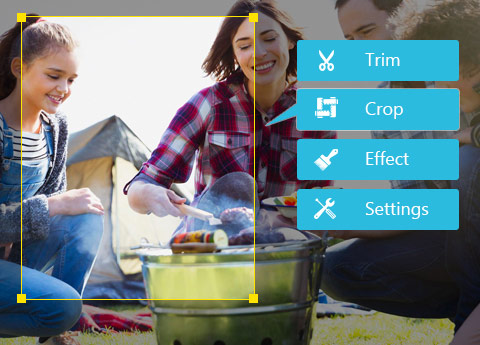
Tipard iPod Video Converter for Mac seems to be one thoughtful video to iPod converter for Mac users, as it offers unparalleled user experience. The user-friendly interface with clear illustration provides simple but useful usage guide. It is so easy that only three simple steps can make a full conversion of the videos. Its thoughfulness also lies in the widge design, like rename and preview. For users, who need to output one special name, one renme button is offerred. Build-in player makes video preview much eaier. If you are beatiful-image collector, you can also get your favorite scene with snapshot during preview.


Preview & Snapshot
You can preview the added and edited video and snapshot images during preview to JPEG, PNG and BMP.

Select Audio Track and Subtitle
This iPod Video Converter for Mac enables users to select audio track and subtitle as needed.

Rename & Delete
It provides users rename function and delete button to rename the output file and delete unneeded file.

Source Size & Target Size
Source size is shown on the color bar, which provides a measure for the target size.

Bill: Tipard iPod Video Converter for Mac is the very app I need. It does me great favor to convert videos on my computer local folder to iPod h.264 MP4 format. It also allows us to change aspect ratio to make video display on my iPod with full screen.

Vanessa: It is the best video to iPod converter for me after trying many iPod video conversion software, as it can not only convert more videos to iPod video, but it also easily for me to put the converted video to iPod easily, not worrying about the compatibility.

Luther: This Mac iPod Converter lives up to my deep heart by imparting wonderful experience to convert classic songs of TV shows to my iPod Touch 5. It killed my dull time on my vacation.
Convert DVDs and videos to popular video/audio formats, then you sync them to digital device for playback.


