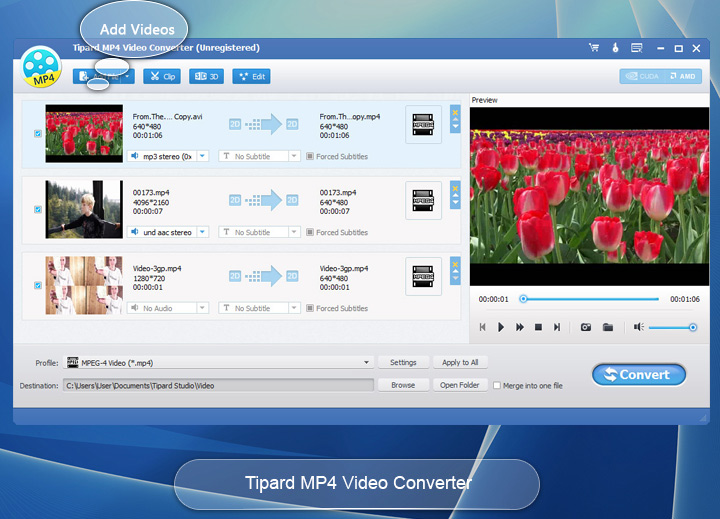
Tipard MP4 Video Converter can support converting abundant video formats such as AVI, MKV, MOV, FLV, M4V, MPEG, VOB, etc to MP4, and convert any HD videos to MP4 easily. Also, it can convert any downloaded online video to MP4 with ease. In addition, the software can extract audios from any videos including online video and convert them to general audios (AAC, AC3, MP3, M4A, etc.) and lossless audios (FLAC, WAV, WMA, etc). With simple and smart interface, the software makes MP4 conversion fast and easy.
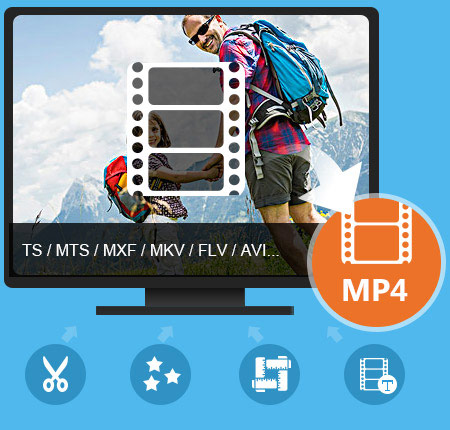
Tipard MP4 Video Converter is designed not only for converting all videos to MP4 formats but also editing the videos on Windows 10/8/7/xp. It is especially easy for new users, and the process of converting can be finished just by few clicks.
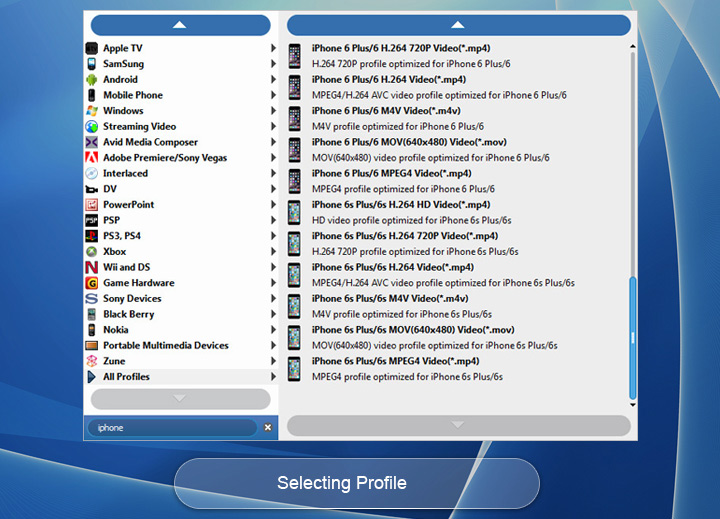
This MP4 Video Converter has professional functions of converting any videos to MP4, and it supports such as MPG, MPEG, MPEG 2, VOB, M4V, AVI, FLV, WMV, MKV, MOV, etc. to MP4 video. It also supports HD video to MP4 converting, like HD MTS to MP4, HD M2TS to MP4 and so on. Besides, if you need to convert downloaded online video to MP4 or other formats, this Online Video to MP4 Converter also help you a lot. For free enjoyment, its abundant supporting formats makes the converter compatible with most present popular portable devices, like iPhone 15/iPhone 15 Plus/iPhone 15 Pro/iPhone 15 Pro Max, iPhone 14/iPhone 14 Plus/iPhone 14 Pro/iPhone 14 Pro Max, iPhone 13/iPhone 13 Pro/iPhone 13 Pro Max/iPhone 13 mini, iPhone 12/12 Pro/12 Pro Max/12 mini/11/11 Pro/11 Pro Max/XS/XS Max/XR/X/8/7, iPhone SE, iPhone 6s, iPhone 6s plus, iPhone 6, iPhone 6 plus, iPhone 5/5s/5c, iPod, iPad Pro, iPad Air, Samsung Galaxy Series and more Android phone and multimedia players, etc. Any Video to MP4 Converter also can extract and convert audios from online video or MP4 files to MP3, AAC, FLAC, ALAC, WMA and more. This function makes you save the classical original music of the videos permanently.
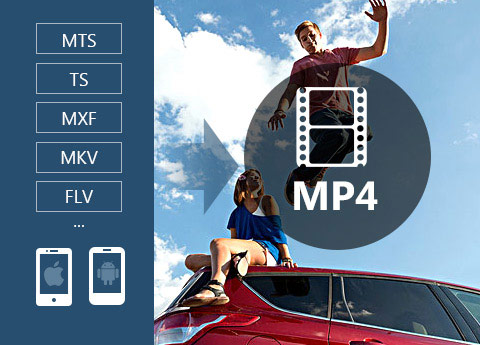
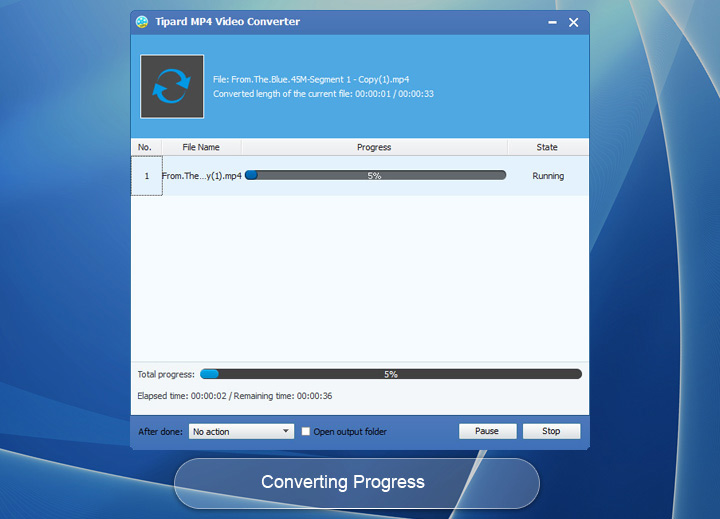
With the NVIDIA CUDA & AMD APP encoding technology, the speed of converting online video to MP4 is 6X faster now. The newly adopted NVIDIA® CUDA™ technology can totally accelerate your PC GPU, so as to finish your converting task with ultra-high speed and best output quality. This MP4 and online video converter also supports multi-core CPUs, which can take full advantage of your computer power to accelerate the conversion speed. In addition, you can choose the settings of Video Encoder, Resolution, Frame Rate, Video Bitrate, and you can also directly customize the settings of Audio Encoder, Sample Rate, etc. For example, you can input the Resolution as the form of 1080×1920. So feel free to download and use the best MP4 Converter with ease.

Powerful editing functions of this Any MP4 Video Converter are good enough for users who want to change the video effects in their own style. The MP4 Converting software provides numerous editing functions to help you make unique videos. You can trim video or audio to cut a classic clip of a masterpiece to save time on which you like, and you can change playing region by Crop. To make your video special, it is also available to reset the Brightness, Saturation and Contrast of the video by Effect. You can add watermark to your online video and MP4 video, and you can customize the watermark font-family, font-style, color, etc. Beyond that, you can make several video files together into one file by Merge functions.
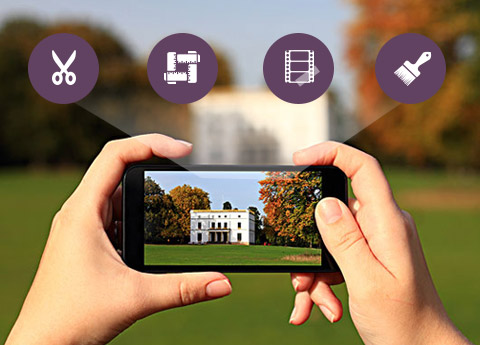
Any Video to MP4 Conversion app is a convenient Converting Software and a great Video Editor, and it does not require professional knowledge and technical operation. The fantastic software provides you simple interface and easy operation, and even beginners are able to convert and edit the videos effortlessly.


Prosperities
It provides properties option for users to have a reference of source file video/audio settings before output parameters settings.

Preview & Snapshot
This MP4 Video Converter has a build-in video player, which enables users to preview videos and make snapshot during preview.

Merge
You are capable of combing several video segments and export them into one file.

Multiple MP4 files converting simultaneously
It is time-saving to use MP4 video converter to convert your MP4 video files by converting two or more video files simultaneously.
System Requirements
What's New
| Video | Standard video formats: TS, MTS, M2TS, MXF, TRP, TP, MP4, M4V, QT, MOV, MPG, MPEG, MPEG2, MPEG4, MJPG, MJPEG, AVI, 3GP, 3G2, FLV, MOD, TOD, RM, RMVB, WMV, ASF, MKV, SWF, F4V, VOB, DAT, DV, DIF, OGM, WTV, DVR-MS, Bink video, WebM HD video forrmats: MTS, TS, M2TS, TP, TRP, HD MPG, HD MPEG, HD MPEG2, HD MPEG4, HD MP4, HD WMV, QuickTime HD MOV |
|---|---|
| Audio | FLAC, WAV, WMA, MP3, MP2, AAC, AC3, AIFF, APE, CAF, MPC, QCP, OGG, M4A, M4B, AUD, MKA, AIFC, RA, RAM, AU, AIF, CUE |

Michael: It's amazing that Tipard Video to MP4 Converter software can support so many different video formats. It is much better than other similar programs I have tried before. I like it so much.

Gillian: It is really user friendly. The simple design and easy operation make conversion fast and perfect. That's what I really need.

Rock: Its powerful converting and editing functions help me so much. It makes convert camcorder to other video formats much simpler. It is really friendly!
Rip DVD disc, folder, iso files to 2D/3D video formats and set 2D/3D video editing at your preference.


Home | About | Privacy Policy | Terms of Use | Affiliate | Support | Contact Us
Copyright © 2024 Tipard Studio. All Rights Reserved.