
Tipard iPhone 4 Transfer pro for Mac, the best Mac iPhone 4 transfer software, which can help you copy and import Mac local video/audio/image/eBook files/Ringtone to your iPhone 4 and transfer iPhone 4 music/movie/Pictures/TV Shows/Podcast/iTunes U/eBooks/Camera Roll/Ringtone/SMS/Contacts/Voice memos/Camera shot files to Mac with fast speed. Furthermore, this iPhone 4 Transfer Pro for Mac can export music, videos or photos from iPhone 4 to iTunes.
Also you can convert any video/DVD/audio to iPhone 4 compatible video and audio formats on Mac. Besides, you can crop a video by removing any unwanted areas; adjust video settings and add special effects; add watermark to your video by adding pictures or texts, etc.
The outstanding feature of this Mac iPhone 4 transfer is you can directly transfer various files from one Apple device to another one with the awesome function of supporting connecting multiple devices simultaneously, which will save your much valuable time. And the refresh function will make sure your Mac can always read the latest iPhone files.
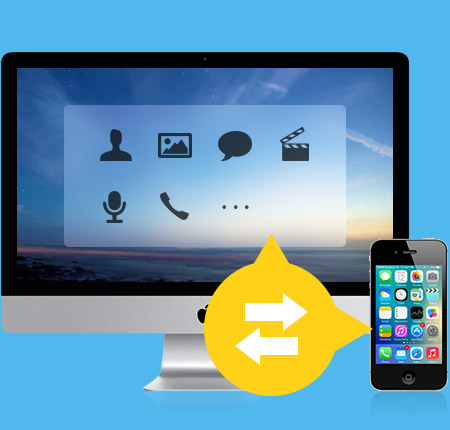
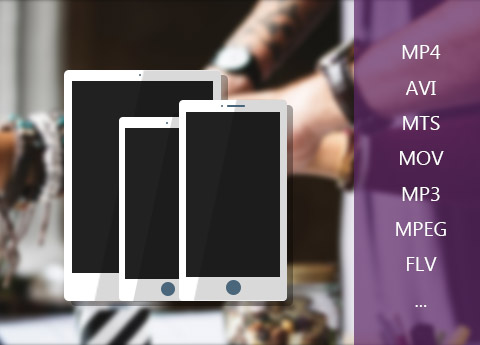
Compatible with many mainstream file types and various Apple devices
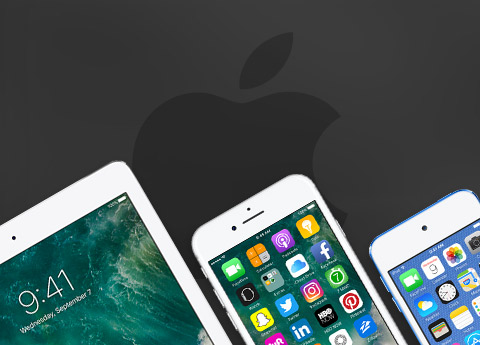
Highly supports iPhone 4 and all other Apple devices
iPhone 4, iPhone 4S, iPhone, iPhone 3G and iPhone 3GS; iPad Wi-Fi, iPad Wi-Fi+3G, iPad 16GB, iPad 32GB, iPad 64GB; iPod 1G, iPod 2G, iPod 3G, iPod 4G, iPod classic, iPod mini, iPod nano 1, iPod nano 2, iPod nano 3, iPod nano 4, iPod nano 5, iPod nano 6, iPod shuffle 1, iPod shuffle 2, iPod shuffle 3, iPod touch, iPod touch 2, iPod touch 4, iPod Video, iPod Firmware 3.0/3.1 are highly supported.
Perfectly compatible with many file types
You can easily transfer many popular media files, including music/movie/Pictures/TV Shows/Podcast/iTunes U/eBooks/Camera Roll/Ringtone/SMS/MMS/Contacts/Voice memos/Camera shot.
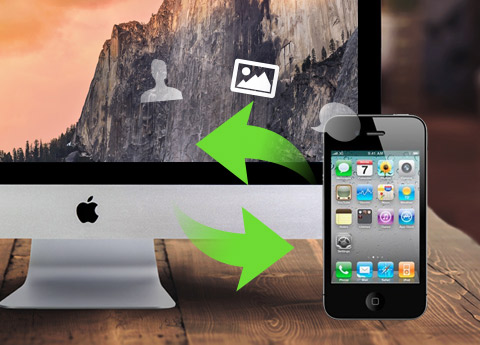
Transfer iPhone 4 files between iPhone 4 and Mac
Transfer Files from Mac to iPhone 4
With this Mac iPhone 4 transfer, you can easily add any favorite movies, music, photos, ringtones, PDF and ePub files on Mac to your iPhone 4 just like iTunes but much easier than iTunes.
Export iPhone 4 Files to Mac/iTunes
You can easily and fast export iPhone 4 music, movies, photos and many other media files to your Mac with this Mac iPhone 4 transfer. Besides, you can copy those files above mentioned from iPhone 4 to iTunes library to manage your multimedia library easily.
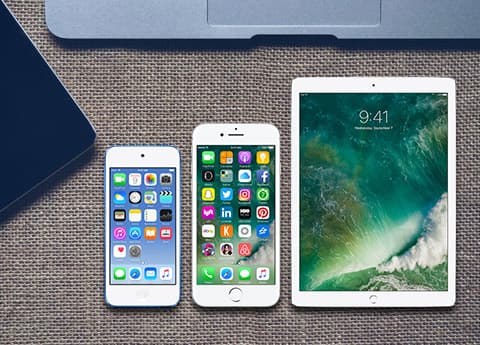
Put one file or multiple files of your iPhone 4 to other Apple device
Transfer files from your iPhone 4 to the other iPhone
It highly supports connecting multiple devices simultaneously, thuns, with this iPhone 4 transfer, you can easily and directly transfer your favorite movies or photos from one Apple device to another one. Then, you will find that it is much easier when you want to share some interesting movies or songs with you friends.
Display your detailed information of iPhone 4
Open this software and then connect your iPhone 4 with Mac, you will see all your device's properties and information on the main interface: type, generation, serial number, format, version and others.
You can convert any kind of media source file to iPhone 4 compatible formats
DVD & video converter
You can freely convert any DVD disc, DVD Folder, IFO files and any kind of video files to all iPhone 4 and iPhone compatible video and audio formats.
Special effects to individualize videos
With easy-to-use editing functions, you can easily edit any DVD and video source file to create personalized video work to share with friends or on the internet.
All your iPhone 4 SMS/MMS/Contacts files can be saved as database file on PC
Backup iPhone 4/iPhone SMS and MMS
Once owning this iPhone 4 file manager, you can easily backup your iPhone 4/iPhone SMS and MMS(multimedia message) as database file on your Mac for safety. What's more, you can delete unwanted single or multiple SMS or MMS in the backup file lists.
Backup Contacts from loss
Are you still worrying about losing your Contacts because of any wrong operations? With this Mac iPhone 4 transfer, you can backup your Contacts file on Mac for safety.
Many intelligent designs for you to experience
Preview function
With this function, you are allowed to preview all music, movie, TV show, Podcast, iTunes U and other video/audio files, including MMS( multimedia message, which can be image, video or audio).
Snapshot your favorite movie scenes
You can snapshot pictures from your favorite movies and save them in one default folder for further appreciate. Plus, you can save them as BMP, PNG and JPEG formats.
User-defined file sort
You can choose to sort the file by Artist, Album and Genres as you like.
File guard
With iDoctor Function, this Mac iPhone 4 transfer can check your malfunctioned device databases to repair them; plus, it can recognize that whether your current iOS version of device is compatible with this program to avoid your wrong operation which might result in file abnormalities.
My Cache function
My Cache function can save the output file on Mac for your later use, so you do not need to keep your iPhone 4 connecting to Mac while this iPhone 4 transfer converting unsupported file to iPhone 4 compatible format.
Eject devices
When you connecting multiple Apple devices to PC, This iPhone 4 Transfer allows you to decide which Apple device(s) should be connected to Mac.

Processor: Intel® processor and Apple M1/M2 chip
OS Supported: Mac OS X 10.7 or above (highly support macOS Sonoma)
Hardware Requirements: 512MB RAM, Super VGA (800×600) resolution, 16-bit graphics card or higher
Hint: PowerPC Processor is not supported, but if you need such an application for PowerPC, we can make one for you. Just contact us by email: marketing@tipard.com.
| Supported Interface Languages | |
| Language Types | English, French, German, Japanese |
| Supported File Types | |
Music, Movie, TV Shows, Podcast, iTunes U, eBooks, Pictures(Photos), Contacts Ringtone(for all models of iPhone and iPod touch 4 only) Voice memos, Camera roll, Camera shot (for Apple devices with Camera/recorder only) SMS, MMS (for all models of iPhone only) |
|
| Support Devices | |
iPhone 15, iPhone 15 Plus, iPhone 15 Pro, iPhone 15 Pro Max, iPhone 14, iPhone 14 Plus, iPhone 14 Pro, iPhone 14 Pro Max, iPhone 13, iPhone 13 Pro, iPhone 13 Pro Max, iPhone 13 mini, iPhone 12, iPhone 12 Pro, iPhone 12 Pro Max, iPhone 12 mini, iPhone 11, iPhone 11 Pro, iPhone 11 Pro Max, iPhone XS, iPhone XS Max, iPhone XR, iPhone X, iPhone 8, iPhone 8 Plus, iPhone 7, iPhone 7 Plus, iPhone 6s, iPhone 6s Plus, iPhone 6, iPhone 6 Plus, iPhone SE, iPhone 5s, iPhone 5c, iPhone 5, iPhone 4S, iPhone 4, iPhone |
|
Recover deleted files like photos, contacts, messages and more from iPhone, iPad, iPod; restore from iTunes /iCould backup; Highly compatible with iOS 17.
Android Data Recovery for Mac can restore your deleted contacts, photos, messages, videos and more data with the easiest and fastest way.




Home | About | Privacy Policy | Terms of Use | Affiliate | Support | Contact Us
Copyright © 2024 Tipard Studio. All Rights Reserved.