

- Part 1. What Does "No Time Limit" Mean for a Screen Recorder
- Part 2. A Simple Glance at the Best Free Screen Recorders with No Time Limit
- Part 3. Review of the Best Free Screen Recorders with No Time Limit
- Part 4. Upgrade to Comprehensive Screen Recorder Without Time Limit
- Part 5. FAQs about the Free Screen Recorders with No Time Limit
Key Takeaways
- Free screen recorders are perfect for creating long-form tutorials, capturing the entire gameplay, and recording any lengthy videos.
- Each recorder excels in different areas. They are ideal for advanced streaming, productivity workflow, and tutorials.
For a better screen recording process with high-quality output, using Tipard Screen Capture is the best choice.
Searching for the best free screen recorders with no time limit? Free recorders today can offer powerful features when it comes to capturing meetings, gameplay, webinars, and any content without cutting you off mid-session. So, if you want excellent tools you can access on your desktop, check this article. We will introduce the best free screen recorders with no time limit, along with their features, ratings, pros, cons, and other information.
- Part 1. What Does "No Time Limit" Mean for a Screen Recorder
- Part 2. A Simple Glance at the Best Free Screen Recorders with No Time Limit
- Part 3. Review of the Best Free Screen Recorders with No Time Limit
- Part 4. Upgrade to Comprehensive Screen Recorder Without Time Limit
- Part 5. FAQs about the Free Screen Recorders with No Time Limit
Part 1. What Does "No Time Limit" Mean for a Screen Recorder
The "No Time Limit" means you can record a video or any content from your screen as long as you want, without the recorder automatically stopping. Unlike restricted screen capturers that cut off after a few minutes, these recorders let you continue recording until you manually end the recording process. This is useful for long recordings of gameplay, tutorials, or meetings without any interruptions.
Part 2. A Simple Glance at the Best Free Screen Recorders with No Time Limit
Want to take a peek at the best screen recorder with no time limits? Then, you can check the table below. We will also let you know how we test each recorder to ensure that it works well.
| Free Screen Recorders | Ease of Use | Performance | Platform Supported |
|---|---|---|---|
| OBS Studio | Easy | Excellent, optimized for long sessions | Windows and Mac |
| ShareX | Easy | Smooth, lightweight | Windows |
| FlashBack Express | Moderate | Stable, good for tutorials | Windows |
| Screencast-O-Matic | Easy | Good, occasional lag | Windows and Mac |
| Apowersoft Free Online Recorder | Easy | Decent, depends on browser stability | Web and Windows |
| CamStudio | Easy | Lightweight, but dated | Windows |
How We Tested the Free Screen Recorders?
To ensure a fair result, we tested all the screen recorders on multiple devices. This is to check the performance under different hardware conditions. We also recorded gameplay, tutorials, meetings, and other content to verify that there were no time limits. In addition to that, we evaluated ease of use by noting how quickly we could set up recording, tweak settings, and export recordings without any technical knowledge.
Part 3. Review of the Best Free Screen Recorders with No Time Limit
Want to start exploring the best free screen recorders with no time limit? Then, read everything in this section.
1. OBS Studio
- Rating: 4.5 / 5
- With Watermark: No
Features:
- It supports unlimited recording.
- The recorder can offer multiple sources.
- Ideal for live streaming.
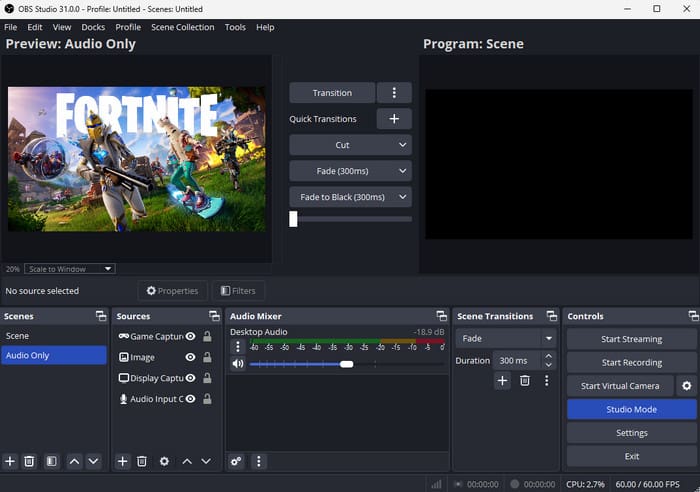
OBS Studio is among the best and free screen recorders you can use with no time limits. This open-source recorder is perfect for long recordings and streaming. The best part here is that it has advanced customization, ensuring that you can get the result you need after the recording process.
- The tool is easy to use.
- It is available on both Mac and Windows
- It requires a high-end PC for better performance.
- It lacks editing tools.
2. ShareX
- Rating: 4 / 5
- With Watermark: No
Features:
- It can capture both video and audio.
- The recorder can offer annotation tools.
- The GIF creator feature is available.
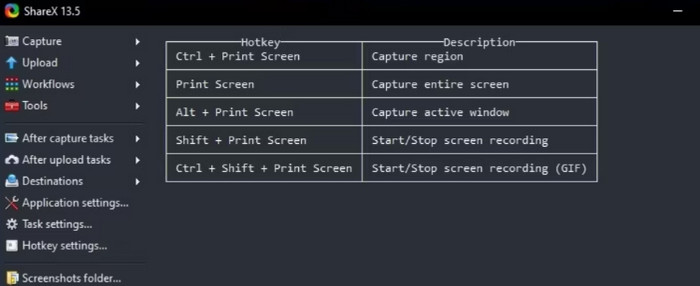
Another free screen recorder with no time limit is ShareX. This is an ideal tool for power users who want a lightweight yet feature-rich recorder that can offer annotation tools. It is also simple to operate, making it perfect for beginners.
- This is 100% free.
- Accessible even on low-spec computers.
- It lacks built-in editing tools.
- There are times when the recorder is not performing well.
3. FlashBack Express
- Rating: 4 / 5
- With Watermark: No
Features:
- It supports unlimited recording.
- It can capture audio.
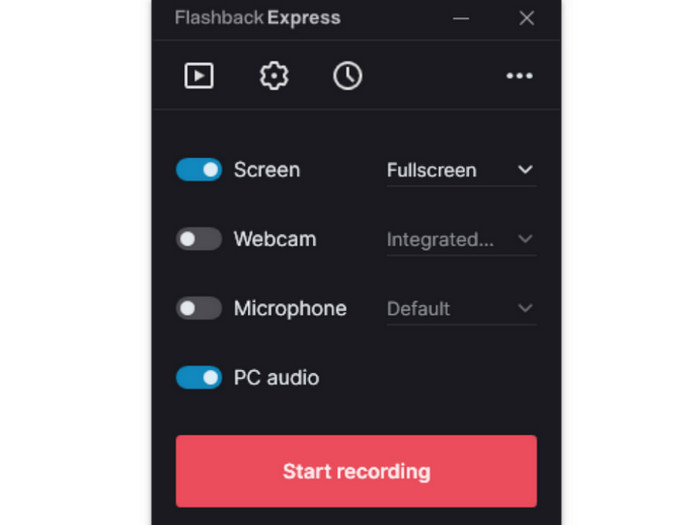
FlashBack Express is the perfect recorder for educators and tutorial creators. It has a stable performance and simple UI, ensuring that you can record smoothly. It is also designed to record long instructional videos for effective screen capturing.
- The recorder is simple to access and operate.
- Ideal for creating tutorial videos.
- It is only available on Windows.
- It has a few advanced features.
4. Screencast-O-Matic
- Rating: 3.5 / 5
- With Watermark: Yes
Features:
- It can capture the screen and webcam.
- The recorder has a browser-based option.
- The Quick sharing feature is available.
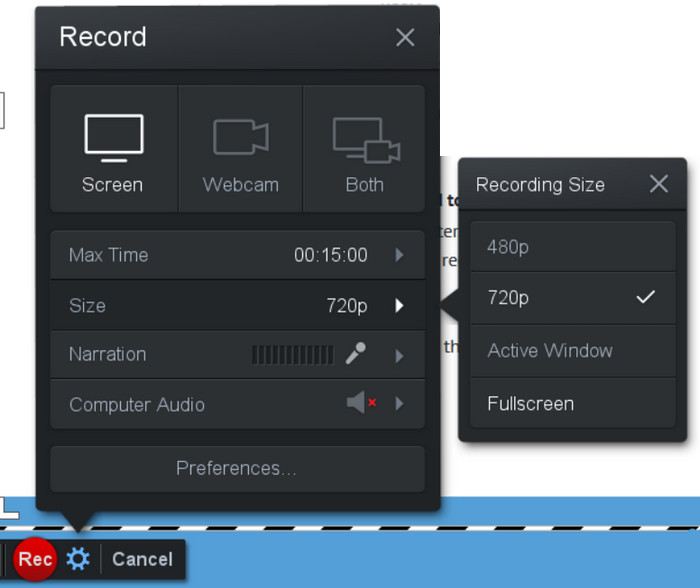
This recorder is ideal for beginners who need a quick recording and instant sharing online. It is also perfect for casual users who love making presentations and short guides.
- The screen recorder is beginner-friendly.
- Setting up the recorder is fast and easy.
- There is a watermark in the free plan.
- There is an occasional lag.
5. Apowersoft Free Online Recorder
- Rating: 4 / 5
- With Watermark: No
Features:
- It can sync audio to video.
- The recorder supports multiple formats for better compatibility.
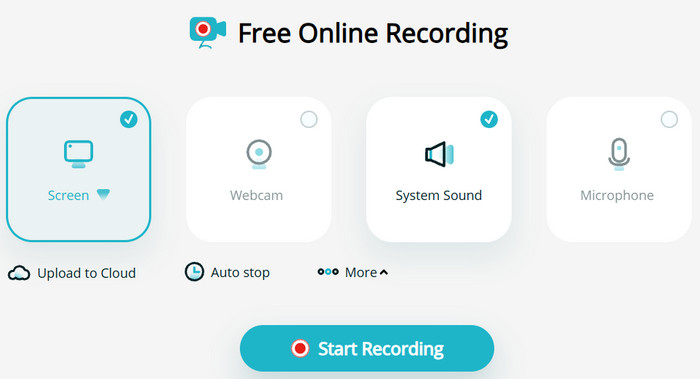
If you need a free online screen recorder, look no further than Apowersoft Free Online Recorder. This is best for users who prefer a web-based solution without installing any software. It also lets you save the recordings in any format you like for better video playback.
- It is easy to access.
- It can also offer its desktop version.
- The online version needs a stable internet connection.
- It has fewer advanced features.
6. CamStudio
- Rating: 4 / 5
- With Watermark: No
Features:
- It can offer a simple user interface.
- It supports AVI/Flash output.
- The recorder also supports unlimited recording.
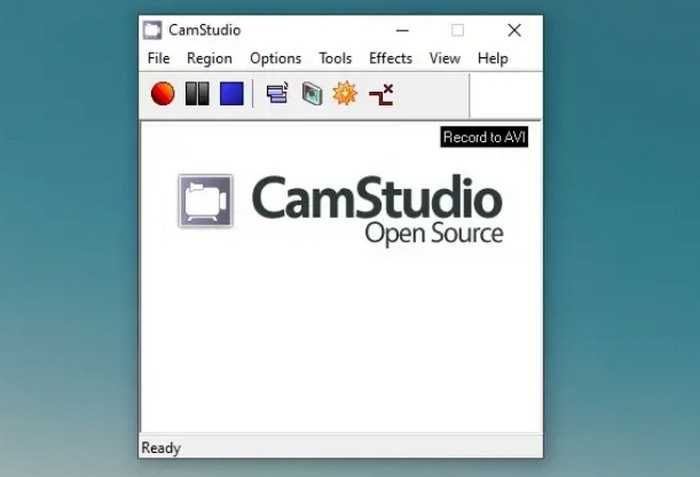
CamStudio is an open-source recorder with unlimited time and no watermark. It can even offer a smoother recording, making it ideal for all types of users. This is also good for capturing meetings, gameplay, tutorials, and more.
- It is a lightweight screen recorder.
- This is 100% free to access.
- The UI might look outdated to some users.
- There are occasional bugs.
Part 4. Upgrade to Comprehensive Screen Recorder Without Time Limit
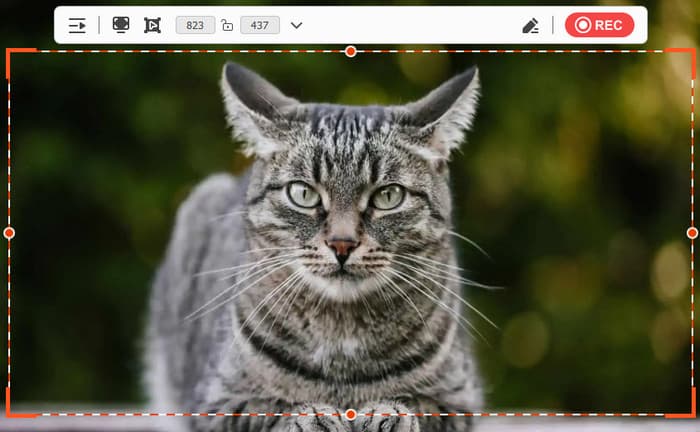
Are you looking for a comprehensive and exceptional screen recorder that can give you the best results? In that case, we recommend using Tipard Screen Capture. This program is perfect since it can offer all the features you need when it comes to recording. It also has a simple UI, ideal for non-professional users. Plus, it can provide a comprehensive video editor for improving the appearance of your recordings. It also provides AV1 and HEVC codecs to shrink the recording file size. It also supports HDR 10-bit to capture the original color. The best part here is that the recorder can work stably and take low CPU resources.
Features:
- It can record various content, such as gameplay, meetings, tutorials, and more.
- It also supports the Snapshot feature to take a screenshot during recordings.
- The recorder can offer Annotation tools.
- The software can save the recording with the best quality for up to 4K.
- Operating the recorder is easy, thanks to its understandable UI.
- It lets users customize the screen size before the recording process.
- It is accessible on both Mac and Windows.
- To get more features, you can try using the paid version.
Part 5. FAQs about the Free Screen Recorders with No Time Limit
How long does screen recording last?
If you are using a no-time limit recorder, then you can record any content as long as you want. The recording will only end if you manually stop the process or your storage runs out.
What are the best screen recorders I can use on my desktop?
If you want to record any content on your desktop, you can access Tipard Screen Capture, OBS, ShareX, and FlashBack Express. These recorders ensure that you can capture any content from the screen without a time limit.
Can I screen record on my phone?
Definitely, yes. You can access the Phone Recorder feature from Tipard Screen Capture. With this useful feature, you can connect your phone to your recorder and begin capturing video, meetings, gameplay, or any content from your mobile.
Conclusion
If you want the best and simplest free no-time limit screen recorders for PC and browser, you can use all the records we have mentioned in this post. You can try all of them and check what suits you. Also, if you need a powerful screen recorder that can help you record any content and export it with the best quality, access Tipard Screen Capture. This recorder can even offer editing features, so you can improve your recording for a satisfying video playback.

Record full screen, portion, window, game, and phone seamlessly without lag
100% Clean & Safe
100% Clean & Safe

More Reading


About the Author


 Tipard Screen Capture