

To watch your favorite Blu-ray movies, you need a dedicated Blu-ray drive. In addition, you also need Blu-ray player software. It can play more types of optical discs, including DVDs, CDs, and Blu-rays. It also offers greater flexibility, allowing you to watch UHD content smoothly. Our top list targets audiences who need measurable Blu-ray playback coverage across discs, folders, and ISO images. The ranking is based on baseline playback behavior and real test.

Part 1: Why Blu-ray Player Benchmark Matters
Blu-ray is the latest optical disc technology. More and more studios store and distribute their movies and episodes via Blu-ray. It applies advanced copyright protection, such as AACS 2.X, region codes, Cinavia, and more. Blu-ray playback software matters in regulated and specialized environments because verification evidence is needed for decryption handling and playback outcomes.
Furthermore, Blu-ray delivers excellent video quality, up to 4K UHD. Even if you use a Blu-ray drive, the video output quality also depends on your media player. A Blu-ray disc player is an all-around media player that supports Blu-ray, DVD, CD, streaming, and a wide array of digital video formats.
Part 2: Blu-ray Player Benchmark Testing Methodology
Test Environment
CPU: AMD Ryzen 7 9700X
GPU: NVIDIA GeForce RTX 4060 Ti
Drive: ASUS BW-16D1HT Blu-ray drive
Monitor: ASUS ROG Swift OLED PG32UCDM Gen3
Storage: An SSD with over 50 GB of free space
Operating System: Windows 11 64-bit
Test Software and Version
Tipard Blu-ray Player v1.0.8
Leawo Blu-ray Player v1.9.6
Macgo Blu-ray Player v2.1.6
VLC Media Player for Blu-ray v3.0.20
JRiver Media Center 32.0.40
Kodi v21.0
PlayerFab v7.0.4.x
MPC-BE v1.7.3
VideoByte Blu-ray Player v1.2.x
CyberLink PowerDVD 23
Test Blu-ray Discs
| Despicable Me 4 | Tom and Jerry | Avatar 3D | Scratched Blu-ray Disc | ISO/M2TS/Ripped MKV | |
|---|---|---|---|---|---|
| Test Objectives | HDR10/Dolby Vision playback Audio and subtitle tracks decoding | Downward playback compatibility Scaling processing | 3D support | Error tolerance when reading a disc with scratches or stains | Blu-ray types supported |
Test Criterions
- 1. Video output quality: resolution, color, contrast, motion, zooming, and 3D.
- 2. Audio output quality: decoding, separation, dynamic range, delay, and denoise.
- 3. Interaction and navigation test.
- 4. Blu-ray playback controls, such as title loading, skipping, pausing, and taking screenshots.
- 5. Bonus features, like searching subtitles online.
- 6. Performance: load time for Blu-ray and exception handling.
Test Procedure
Phase 1: Preparation
To test the top-rated 4K Blu-ray players and ensure an apples-to-apples comparison, the hardware environment must be strictly controlled. We installed them on the same PC to test the players’ output.
Phase 2: Video Benchmark
Video performance of Blu-ray DVD players is more than the resolution. It is about chroma up-sampling, de-interlacing, and color accuracy. If the videos on discs are stored as 4:2:0, for example, the player must convert them to 4:4:4 for display. When playing a standard Blu-ray(1080p), evaluate how well the player scales it to 4K.
Phase 3: Audio Benchmark
We used the players’ internal decoders to test whether they can decode audio and convert TrueHD/DTS-HD to LPCM, as well as whether they support multi-channel analog outputs.
Phase 4: Performance Benchmark
During playback, we also monitored boot time, disc load time, menu navigation speed, and seek time to identify differences among the top Blu-ray disc players.
Part 3: Blu-ray Player Benchmark Evaluation Criteria
Blu-ray Disc Compatibility Benchmark
| Blu-ray Supported | Title Load | Audio Selection | Subtitle Selection | |
|---|---|---|---|---|
| Tipard Blu-ray Player | 4K UHD Blu-ray Disc, ISO, BD Folder | Menu navigation and title selection | Yes, audio track and channel | Yes, support external subtitles |
| Leawo Blu-ray Player | 4K UHD Disc, ISO, Blu-ray Folder | Menu navigation and title selection | Yes | Yes, support external subtitles |
| Macgo Blu-ray Player | Standard Blu-ray disc | Menu navigation and title selection(only Pro version) | Yes, audio track and channel | Yes, support external subtitles |
| JRiver Media Center | Blu-ray disc, ISO(limited) | Menu navigation | Yes | Yes |
| Kodi | Blu-ray disc, ISO(require AACS lib) | Menu navigation | Yes | Yes, support external subtitles |
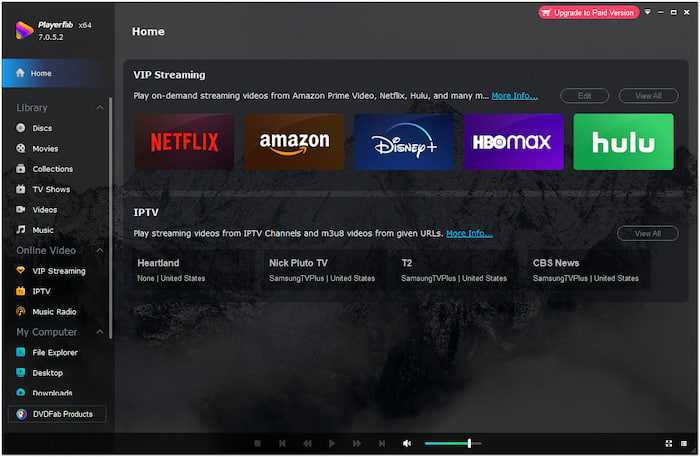
| PlayerFab | 4K UHD Blu-ray Disc, ISO, BD Folder | Menu navigation | Yes | Yes |
| MPC-BE | Standard Blu-ray disc(limited) | Menu navigation | Yes | Yes, support external subtitles |
| VideoByte Blu-ray Player | Blu-ray Disc, BD Folder | Menu navigation and title selection | Yes | Yes |
| CyberLink PowerDVD | Blu-ray Disc, ISO | Menu navigation | Yes | Yes, support external subtitles |
| VLC Media Player | Blu-ray disc, ISO, and BD Folder(require AACS lib) | No | Yes | Yes, support external subtitles |
Key Findings
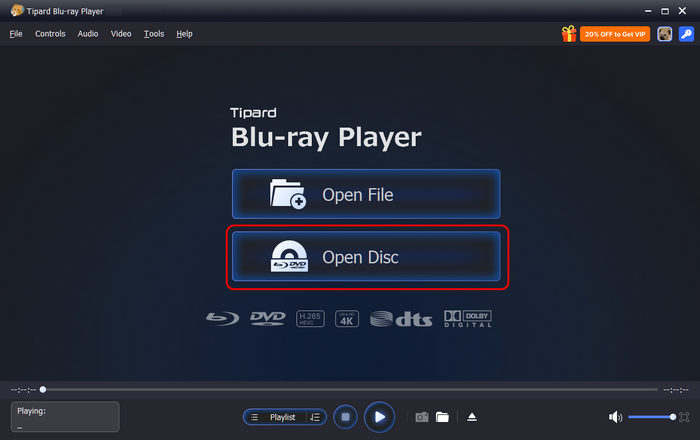
- Tipard Blu-ray Player and Leawo Blu-ray Player are the most reliable options for enjoying your Blu-ray collection, especially for playing commercial 4K UHD Blu-ray discs and ripped content.
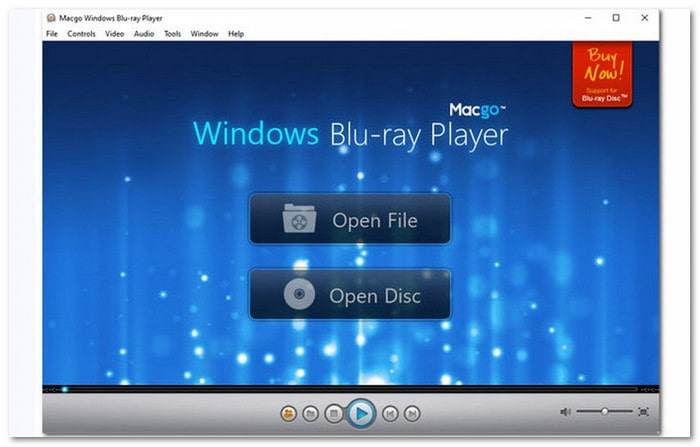
- Only the Pro version of Macgo Blu-ray Player supports menu navigation. Plus, it cannot read 4K UHD and 3D Blu-ray discs.
- VLC Media Player and Kodi require the AACS lib to decrypt commercial Blu-ray discs.
- Kodi, JRiver Media Center, and MPC-BE are the best options to play Blu-ray content downloaded from the web.
4K UHD Blu-ray Player Benchmark
| 4K UHD BD | Supported Blu-ray Encryption | |
|---|---|---|
| Tipard Blu-ray Player | Yes | AACS, AACS 2.X, BD+, Region code, and more |
| Leawo Blu-ray Player | Yes | AACS and Region code |
| VideoByte Blu-ray Player | Yes | AACS and Region code |
| CyberLink PowerDVD | Yes | Require compatible hardware, like Intel SGX |
| JRiver Media Center | Yes(require AACS lib) | Require install extra decryption library |
| Kodi | Yes(require AACS lib) | Require install extra decryption library |
| PlayerFab | Yes | Decrypt AACS and BD+ with online database |
| MPC-BE | Yes(require AACS lib) | Require install extra decryption library |
| VLC Media Player | Yes(require AACS lib) | Require install extra decryption library |
| Macgo Blu-ray Player | No | AACS and BD+ |
Key Findings
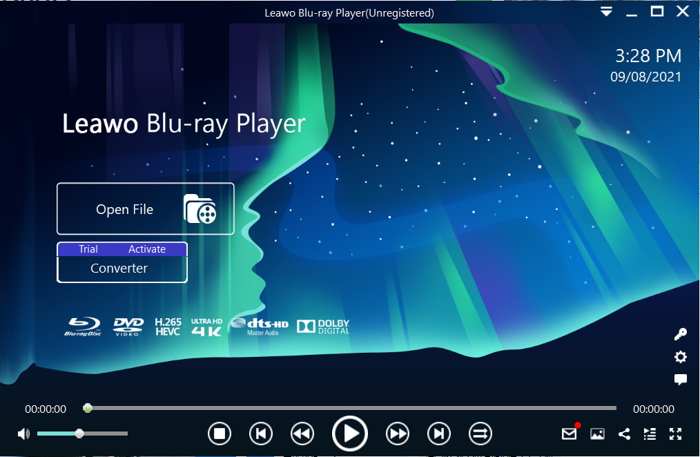
1. Tipard Blu-ray Player, Leawo Blu-ray Player, and VideoByte Blu-ray Player are equipped with a decryption database. Therefore, they can play 4K UHD Blu-ray discs without extra software.
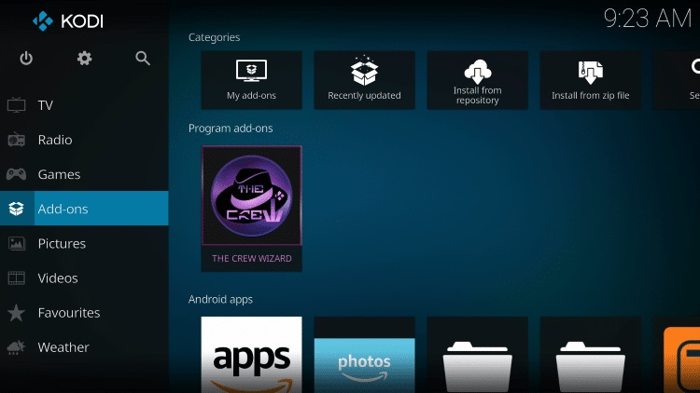
2. VLC、Kodi、JRiver, and MPC-BE don’t integrate decryption by default. You need to install the keys database and AACS dynamic library to decrypt Blu-ray.
3. PlayerFab requires an internet connection to decrypt 4K UHD Blu-ray discs with the online decryption database.
Video Playback Quality Benchmark
| Resolution | Color Correct | HDR Handling | Notes | |
|---|---|---|---|---|
| Tipard Blu-ray Player | Up to 8K | Yes | HDR10, HDR10+, Dolby Vision | AI color enhancement |
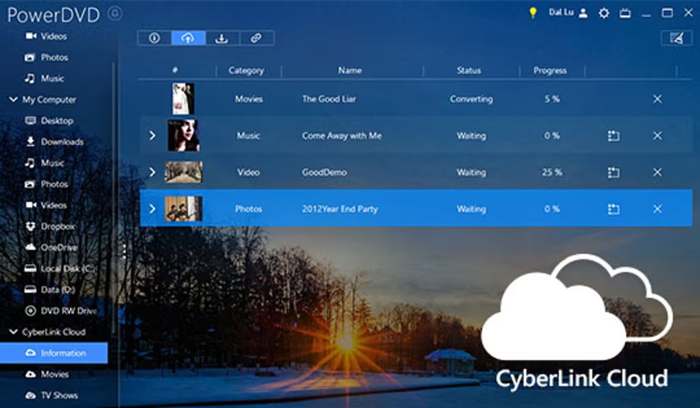
| CyberLink PowerDVD | Up to 8K | Yes, | HDR10 | Use TrueTheater to correct color for 4K UHD |
| PlayerFab | Up to 4K | Yes | HDR10, HDR10+, Dolby Vision | |
| VideoByte Blu-ray Player | Up to 4K | Yes | HDR10 | |
| Kodi | Up to 4K | Depend on configuration | HDR10, HDR10+, Dolby Vision | |
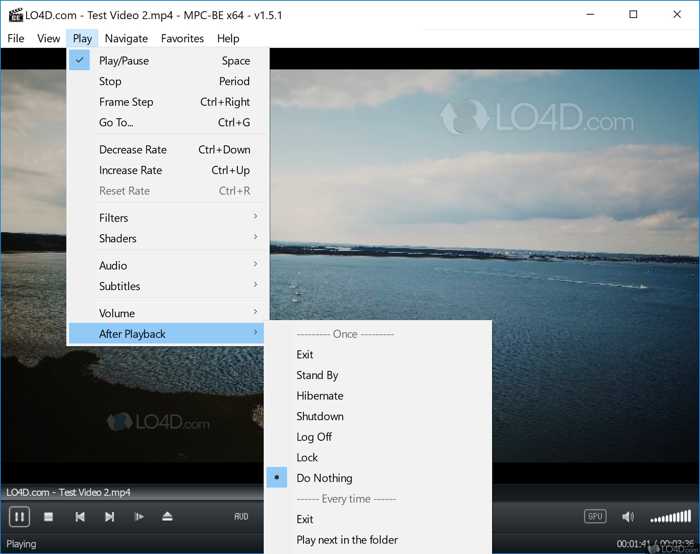
| MPC-BE | Up to 4K | Yes | HDR | |
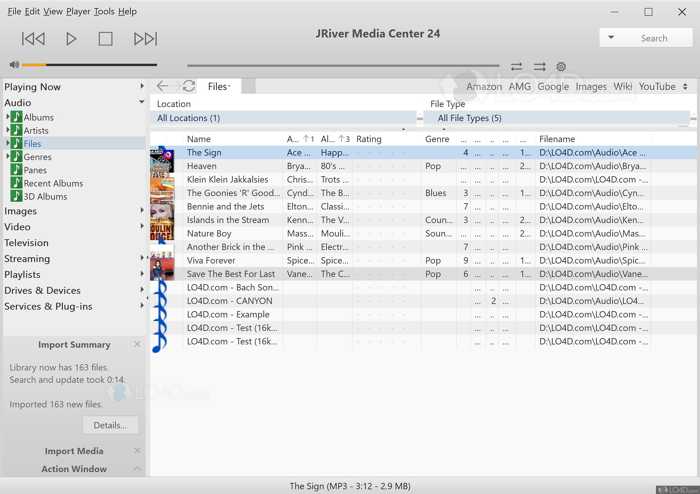
| JRiver Media Center | Depend on hardware | Highly depend on configuration | No | Users need to configure madVR to apply HDR playback |
| Leawo Blu-ray Player | Up to 4K | Limited | Limited | Colors appear white or gray as if the HDR was not properly recognized |
| VLC Media Player | Up to 4K | Limited | Limited | |
| Macgo Blu-ray Player | Up to 4K | Limited | Limited |
Key Findings
1. Tipard Blu-ray Player, CyberLink PowerDVD, and PlayerFab are the best choices when playing commercial 4K UHD Blu-ray discs. They offer full support for HDR and Dolby Vision.
2. Kodi and JRiver Media Center require configuring third-party madVR to enjoy super high-quality images and excellent quality.
3. MPC-BE is the best freeware HD Blu-ray player with low resource consumption and excellent HDR restoration performance.
Audio Playback Benchmark
| Lossless Audio Format Support | Audio Passthrough | Audio Output Quality | Audio Accuracy and Stability | |
|---|---|---|---|---|
| Tipard Blu-ray Player | Dolby Atmos, Dolby TrueHD, DTS-HD Master Audio, DTS:X, and popular audio formats | Yes | Excellent | Great No delay or other errors |
| CyberLink PowerDVD | DTS-HD and lossless audio formats | Yes | Excellent | Great No delay or other errors |
| PlayerFab | Dolby Atmos, Dolby TrueHD, DTS-HD Master Audio, and DTS:X | Yes | Excellent Enhance audio with TrueTheater | Depend on hardware |
| VideoByte Blu-ray Player | DTS-HD and lossless audio formats | Yes | Good | Audio delay occurs occasionally |
| Kodi | TrueHD, DTS-HD | Only for AC3 and DTS via SPDIF/HDMI | Depend on configuration | May crash when using WASAPI |
| MPC-BE | Lossless audio formats | Limited | Require MPC Audio Renderer | Potential bugs depending on configuration |
| JRiver Media Center | Lossless audio formats | Configure for bit-perfect ASIO | Good | Depend on configuration |
| Leawo Blu-ray Player | Lossless audio formats | Depend on hardware | Good | Highly depend on hardware |
| VLC Media Player | TrueHD and DTS-HD | Require configuration | Good | Audio delay and other bugs |
| Macgo Blu-ray Player | Lossless audio formats | Limited | Poor | Crash issues |
Key Findings
- Tipard Blu-ray Player and CyberLink PowerDVD appear to be the most comprehensive in terms of compatibility with the latest lossless audio formats, such as Dolby Atmos and DTS:X.
- JRiver Media Center is designed for audiophiles, thanks to its bit-perfect output and high-quality digital signal processing.
- Kodi, MPC-BE, and VLC are powerful but require manual configuration. In other words, they are good options for tech-savvy.
-Playback Performance Benchmark
| Typically Disc Load Time | Playback Smooth | Playback Controls | CPU Usage | |
|---|---|---|---|---|
| Tipard Blu-ray Player | 1-2 s | Excellent with hardware acceleration | Full menu navigation Bookmarks, chapters, audio/subtitle switching Snapshot | 10-20% |
| PlayerFab | 2-3.5 s | Excellent with hardware acceleration | Full menu and chapter navigation Multi-audio | 30-40% |
| CyberLink PowerDVD | 1-2.5 s | Excellent with TrueTheater | Full menu navigation | 50-60% |
| VideoByte Blu-ray Player | 2-3.5 s | Good | Menu and chapter navigation Switch audio and subtitle | 30-40% |
| Leawo Blu-ray Player | 2-3.5 s | Good Stable for 1080p 4K may stutter | Menu and chapter navigation Select audio and subtitle | 30-40% |
| Macgo Blu-ray Player | 2-4 s | Good on macOS Adequate on Windows | Menu and chapter navigation Select audio and subtitle | 30-40% |
| Kodi | 1-2 s for decrypted BD 6-7 s for commercial BD | Excellent with hardware acceleration | Menu navigation | 20-30% |
| MPC-BE | 1-2 s for decrypted BD 6-8 s for commercial BD | Good | No menu navigation | 10-15% |
| JRiver Media Center | 1-2 s for decrypted BD 7-9 s for commercial BD | Good | Menu navigation | 30-40% |
| VLC Media Player | 1-2 s for decrypted BD 8-10 s for commercial BD | Excellent with hardware acceleration | Select chapter, audio, and subtitle | 20-30% |
Key Findings
- Tipard Blu-ray Player and PlayerFab offer the smoothest playback, the fastest disc load times, and full menu support.
- MPC-BE and VLC are the best free Blu-ray players for decrypted content. Commercial Blu-ray discs take a while to decrypt.
- Kodi and JRiver offer great playback for the home theater experience.
User Experience Benchmark
| Ease of Use GUI | Hotkeys | Onscreen Buttons | |
|---|---|---|---|
| Tipard Blu-ray Player | Clean and intuitive No learning curve | Extensive and customizable | Rich and well design |
| PlayerFab | Clean and modern | Comprehensive and customizable | Basic playback |
| CyberLink PowerDVD | Intuitive and modern | Standard set | Standard controls |
| VideoByte Blu-ray Player | Clean and simple | Basic shortcuts | Basic playback |
| Leawo Blu-ray Player | Clean and straightforward | Some customization | Basic playback |
| Macgo Blu-ray Player | Simple but somewhat outdated | Limited customization | Basic playback |
| Kodi | Intuitive Highly skinnable | Fully customizable | Extensive controls |
| MPC-BE | Minimal but outdated | Fully customizable | Minimal controls |
| JRiver Media Center | Powerful but dense | Extensive and customizable | Comprehensive controls |
| VLC Media Player | Functional but outdated | Extensive and customizable | Standard controls |
Key Findings
- Tipard Blu-ray Player, PowerDVD, and PlayerFab feature polished, modern, intuitive, and user-friendly GUIs.
- VLC, MPC-BE, and Kodi are highly customizable, covering the interface, hotkeys, and playback controls.
- Kodi and JRiver are the most configurable, but require technical skills to set up.
Part 4: Blu-ray Player Benchmark Results Overview
Benchmark Category Weight Distribution
| Category | Weight | Source Benchmark |
|---|---|---|
| Feature Set (HDR formats, File Playback) | 15% | Blu-ray Disc Compatibility Benchmark |
| Video Quality (Blu-ray & UHD) | 30% | Video Playback Quality Benchmark |
| Audio Quality (HDMI/Analog) | 20% | Audio Playback Benchmark |
| User Interface & Speed | 20% | Playback Performance Benchmark |
| Build Quality & Reliability | 15% | User Experience Benchmark |
Top 10 Blu-ray Players Quantitative Master Scoreboard(on a scale of 1.0-10.0)
| Rank | Software | Compatibility | Video Quality | Audio Quality | Speed | Reliability | Final |
|---|---|---|---|---|---|---|---|
| 1 | Tipard Blu-ray Player | 10 | 10 | 10 | 9.5 | 9.6 | 9.79 |
| 2 | PlayerFab | 10 | 9 | 9 | 9 | 9.6 | 9.24 |
| 3 | CyberLink PowerDVD | 8.2 | 9 | 9.5 | 9.5 | 9 | 9.11 |
| 4 | Leawo Blu-ray Player | 10 | 7 | 7.5 | 9 | 8 | 8.18 |
| 5 | Kodi | 8 | 7.5 | 8 | 8 | 8.6 | 7.92 |
| 6 | VideoByte Blu-ray Player | 7 | 7 | 8 | 9 | 8 | 7.85 |
| 7 | JRiver Media Center | 7 | 7.5 | 7 | 7.6 | 8.6 | 7.49 |
| 8 | VLC Media Player | 8 | 7 | 8 | 7 | 7.6 | 7.34 |
| 9 | MPC-BE | 6.5 | 8 | 6.5 | 8 | 8 | 7.33 |
| 10 | Macgo Blu-ray Player | 6.5 | 6.5 | 6.5 | 8.6 | 7.5 | 6.85 |
Part 5: FAQs of Blu-ray Player Benchmark
Is it worth buying a 4K Blu-ray player?
Yes. If you want to watch 4K UHD BDs on your TV, a 4K Blu-ray player is a good option, such as the Sony Blu-ray Player Remote.
What is the best free Blu-ray player software for Windows?
MPC-BE is a good option for Windows if you have a limited budget.
Is VLC good for Blu-ray?
VLC can play Blu-ray, but you need to install a third-party decryption database to play commercial Blu-ray discs.
Conclusion
This article identified and tested the top 10 Blu-ray player programs on Windows, macOS, and Linux. They can help you enjoy your favorite 4K UHD movies and episodes with the best experience. Tipard Blu-ray Player is the best option in our test and offers reliable 4K playback.

Play Blu-rays and multimedia files with the best video and audio quality
100% Clean & Safe
100% Clean & Safe

More Reading




About the Author


 Tipard Blu-ray Converter