

A file with the TS extension is a Video Transport Stream file that stores MPEG-2-compressed video data. It is used to store high-quality streaming videos and Blu-rays. If you open a Blu-ray disc in File Explorer, you will see several TS files, each representing a different part of the video content. This article highlights the top 5 premium and free TS players for Windows, macOS, and Linux.
Part 1: Why You Need a TS Player
TS files store MPEG-2 compressed video data. They are compressed using lossy compression to reduce the overall file size. However, this can come at the cost of reduced video quality.
The big challenge for the TS video is compatibility. While TS files were popular during the peak of the DVD and Blu-ray, most video players don't support this video format. Therefore, you need a TS format video player to enjoy your favorite movies.
Part 2: Top 5 TS Players
Top 1: Tipard Blu-ray Player
As a popular TS file player, Tipard Blu-ray Player is equipped with a large package of codecs, including TS, MP4, AVI, MKV, etc. The built-in hardware acceleration smooths video playback across platforms. Furthermore, it comes with a wide range of features to correct color, optimize audio, and more.
- Play videos smoothly.
- Support over 300 media formats.
- Offer fluid navigation with shortcuts.
- Compatible with up to 8K videos.
- Provide a wide array of custom options.
- It takes a while to load a TS video if it is very large.
Here are the steps to play a TS video file:
Step 1Open TS
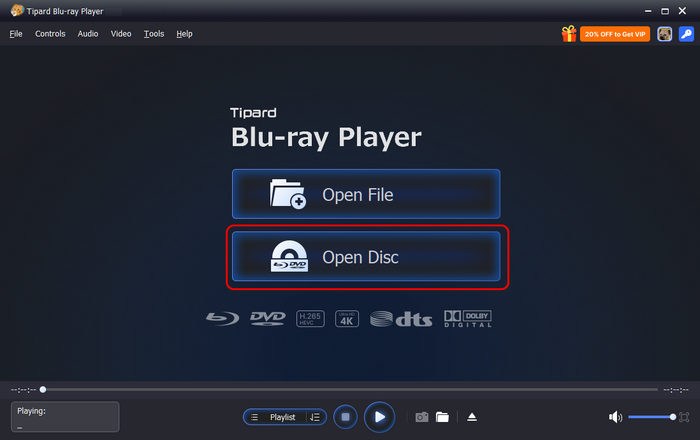
Download the TS file player from the official website and install it on your PC. There is another version for Mac. Launch it and click the Open File button to open a local TS file. To play a TS video on a disc, click the Open Disc button.
Step 2Play the TS file
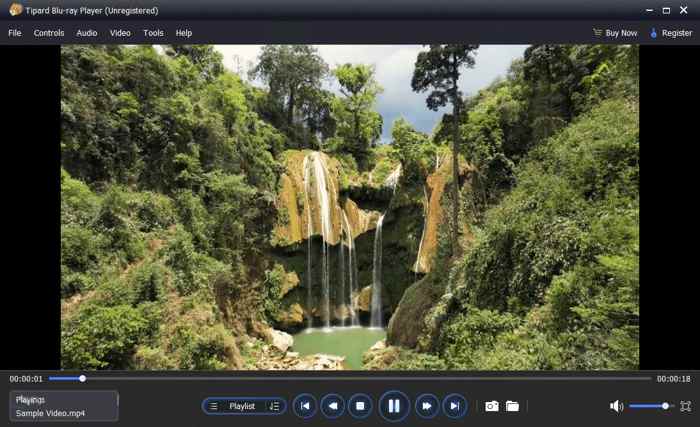
Once the video loads, you will be presented with the main interface. According to our testing, it takes only 1.05 seconds to load a Blu-ray main title.
Step 3Control the playback
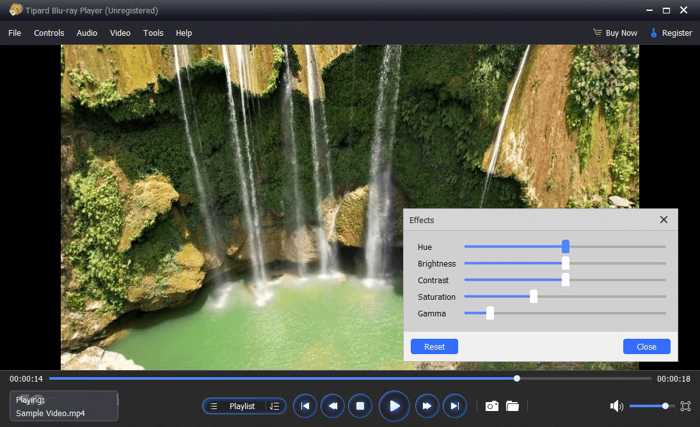
The buttons at the bottom let you control TS playback, including taking screenshots, adjusting volume, and more. Moreover, you can find other features in the top menu bar.
Top 2: MPC-HC
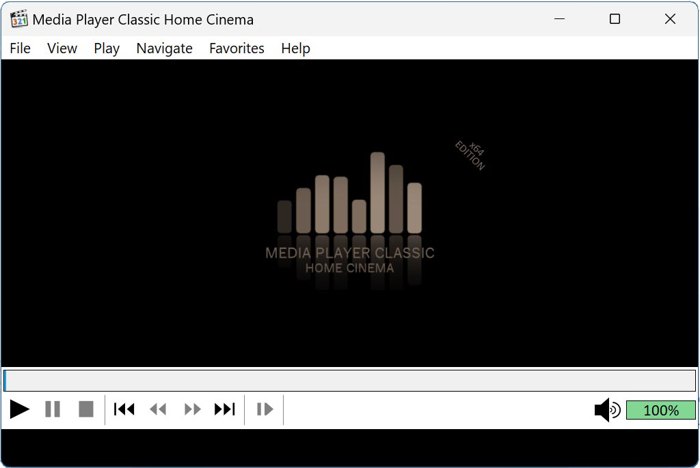
MPC-HC is an open-source TS video player for Windows. While the official development ended in 2017, you can download it from the internet. Moreover, it integrates lots of codecs, including TS.
- Lightweight and smooth.
- Support broad video formats.
- Reliable playback.
- Integrate a customizable GUI.
- Outdated interface.
- Limited modern features.
You May Also Like:
Top 3: VLC Media Player
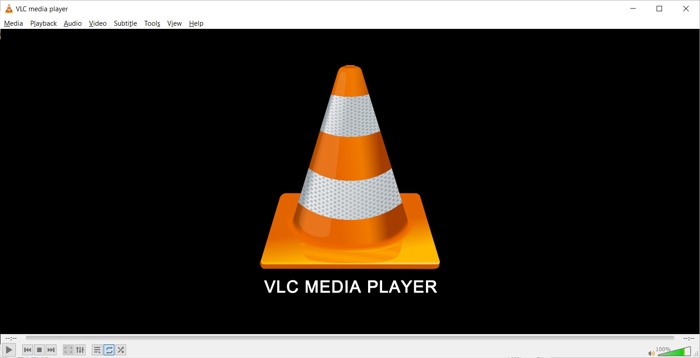
VLC Media Player is another open-source TS file player on Windows, macOS, and Linux. It is popular worldwide due to its high level of compatibility, including with streaming and Blu-ray discs.
- Play almost all video formats.
- Completely free.
- Support a variety of platforms.
- Integrate advanced playback controls.
- Include streaming stability issues.
- Limited library management.
Top 4: PotPlayer
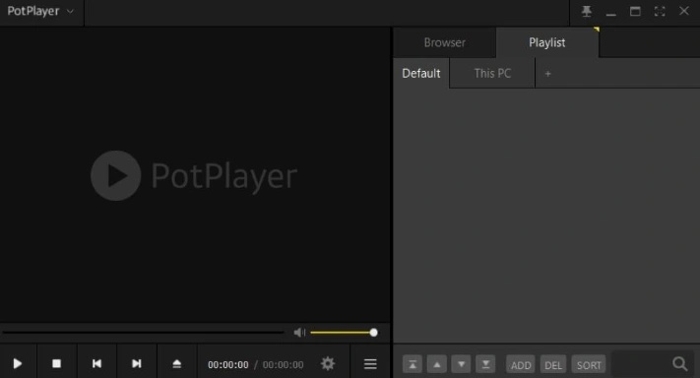
PotPlayer is another free TS format video player. It is an ad-supported multimedia player. It means that you can play TS files for free after viewing pop-up ads. Plus, it offers basic controls of video playback.
- Optimize TS playback.
- Support 3D and 360-degree videos.
- Support up to 4K.
- Free to use.
- Limited to Windows.
- Ads are annoying.
Top 5: GOM Player
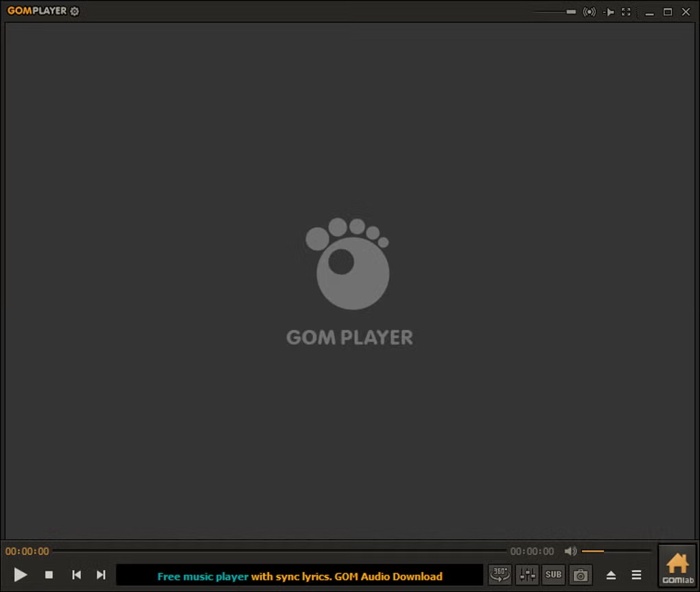
GOM Player is a flexible TS video player to enjoy your favorite videos, movies, music, and audio files. It is packed with innovative tools and advanced functionalities. It delivers a free and a Plus version.
- Excellent format support.
- Search for subtitles online.
- Integrate a codec search tool.
- Manage videos on a playlist.
- The interface isn't intuitive.
- Include unwanted programs.
Part 3: Comparison of Top 5 TS Players
We have tested the top 5 TS video players in our professional lab, focusing on a few benchmarks: price, supported video and audio formats, load time, and maximum video resolution.
| Tipard Blu-ray Player | MPC-HC | VLC Media Player | PotPlayer | GOM Player | |
|---|---|---|---|---|---|
| Price | $24.00 per month $45.00 lifetime | Free | Free | Free | $9.99 per month $11.00 one-time |
| Support Formats | 300+ | 180+ | 200+ | 180+ | 100+ |
| Typical TS Video Load Time | 1.05s | 2-3s | 3-5s | 3-4s | 5-6s |
| Video Resolution | Up to 8K | Depend hardware | Up to 4K | Up to 4K | Up to 4K |
| Best for | Overall | Video Playback on Windows | Video Playback cross-platform | Video Playback Smoothly | Video Playback with Subtitle Search |
Conclusion
This article reviewed the top 5 best premium and free TS players on Windows, macOS, and Linux. Some of them are completely free to use, such as VLC and MPC-HC. Others require a subscription or a license. You can choose the right one for your situation. Tipard Blu-ray Player is the best of all.

Play Blu-rays and multimedia files with the best video and audio quality
100% Clean & Safe
100% Clean & Safe

More Reading




About the Author


 Tipard Blu-ray Player