

Twitter, now called X, is a busy place for video content. Millions of users share videos on the platform every day. But getting a video ready for X can involve different tasks.
This post will show you the options. From editing and converting to compressing and more, we will cover different Twitter video tools for different needs. We will also review them in detail, so you can see which one to use for each specific video task.

Part 1: Different Types of Twitter Video Tools
Twitter, now called X, has many types of videos. You may want to edit one. You may need to change its format. You may also want to make a large file smaller. Each task needs a different tool. Knowing the best Twitter video tool type first can help you pick the right one.
- 1. Twitter Video Editors - Editing and polishing videos before posting them on X.
- 2. Twitter Video Converters - Changing video formats and settings.
- 3. Twitter Video Compressors - Making large X videos smaller.
- 4. Twitter Video Downloaders - Saving public X videos for offline use.
- 5. Twitter Video Resizers - Changing video size and shape.
- 6. Twitter Video Enhancers - Improving videos with low quality.
- 7. Twitter Video-to-GIF Tools - Making GIFs from short X videos.
- 8. Twitter Video Makers - Creating new videos for X.
- 9. Twitter Video Recorders - Recording videos for X.
- 10. Advanced Twitter Video Tools - Advanced video tasks and detailed control.
Part 2: Best Twitter Video Tools by Use Case
Different video tasks need different tools. Here are some of the best Twitter video tools for each use case.
| Use Case | Best Twitter Video Tool |
|---|---|
| Best Twitter Video Converter Tool | Tipard Video Converter Ultimate |
| Best Twitter Video Editor | CapCut |
| Best Twitter Video Compressor | HandBrake |
| Best Twitter Video Downloader | TWDown |
| Best Twitter Video Resizer | Adobe Express |
| Best Twitter Video Enhancer | Topaz Video AI |
| Best Twitter Video-to-GIF Tool | Ezgif |
| Best Twitter Video Maker | Canva |
| Best Twitter Video Recorder | OBS Studio |
| Best Advanced Twitter Video Tool | FFmpeg |
Part 3: Detailed Review of the 10 Twitter Video Tools
This part takes a closer look at each tool. You can see what each one offers and how it can help with X videos.
1. Tipard Video Converter Ultimate - Best Twitter Video Converter
Platforms: Windows and Mac.
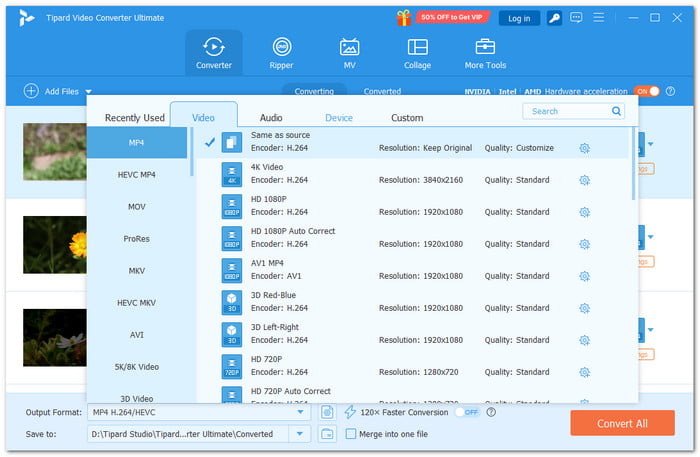
Posting a video on X can be tricky when the file format does not fit your needs. Tipard Video Converter Ultimate is a useful Twitter video tool that helps solve this with many output presets made for platforms like X. You can also trim, crop, rotate, merge, and edit videos before posting.
Its MV and collage makers give you more ways to create content. The video enhancer can improve low-quality clips. It can load many video and audio files too. This makes it useful for different video tasks.
Key Features:
- Fast conversion with hardware acceleration.
- Batch conversion for multiple files.
- Smart compression for smaller file sizes.
- Flexible settings for format, resolution, and codec.
Ease of use: The layout is clean and easy to follow. All tools are simple to find. It is really suitable for no-experience users.
2. CapCut - Best Twitter Video Editor

Platforms: Windows, Mac, web, and mobile.
Want to give an X video more style? CapCut offers effects, video filters, keyframes, and color tools. Its AI features can turn scripts into videos. Auto Captions can create subtitles. Auto Reframe can adjust the frame while keeping the main subject visible.
Key Features:
- Extensive effects and filters.
- Script-to-video.
- AI Writer.
- Auto Captions.
Ease of use: Basic editing feels simple. More advanced tools need some practice.
3. HandBrake - Best Twitter Video Compressor
Platforms: Windows, Mac, and Linux.
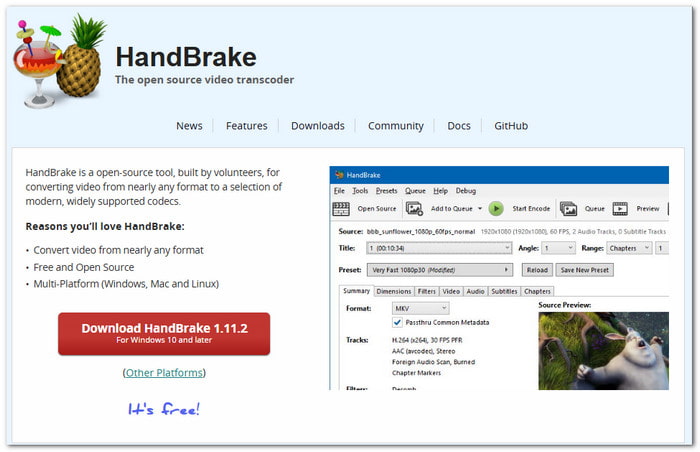
Large video files can take up too much space. HandBrake can convert them into modern video codecs. It also gives you control over the conversion process. You can choose from available options and adjust settings when needed.
Key Features:
- Open-source video transcoding.
- Support newer video formats.
- Use ready-made settings.
- Adjust video conversion options.
Ease of use: Presets help you handle simple tasks faster. Some extra settings may be hard to understand at first.
4. TWDown - Best Twitter Video Downloader
Platform: Web browser.
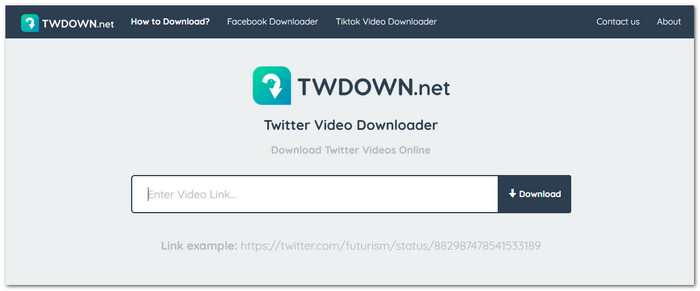
Want to download a video from an X post? This Twitter video downloader tool lets you save videos by using their links. All you need to do is paste the video URL on the site. It will show the download choices. The site lists an August 2026 update with bug fixes and speed improvements.
Key Features:
- Download videos online.
- Use video links to get files.
- Convert Twitter videos to MP3.
- Improved video detection.
Ease of use: The process is simple. You only need the video link. No software installation is required.
5. Adobe Express - Best Twitter Video Resizer
Platforms: Desktop browser and mobile.
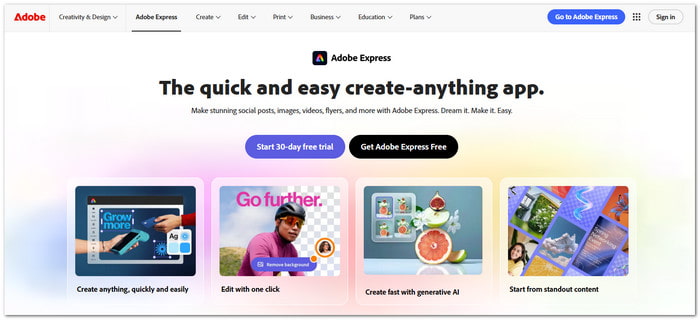
Need to fit a video into a new X layout? Adobe Express can resize content for different channels in one click. It also lets you edit videos with drag-and-drop tools. Your files can stay synced across devices. This makes it easier to prepare the same content for different platforms.
Key Features:
- Resize files with one click.
- Edit videos by dragging items.
- Edit many files at once.
- Save videos directly after editing.
Ease of use: The controls are simple to use. One-click tools help you finish common tasks faster.
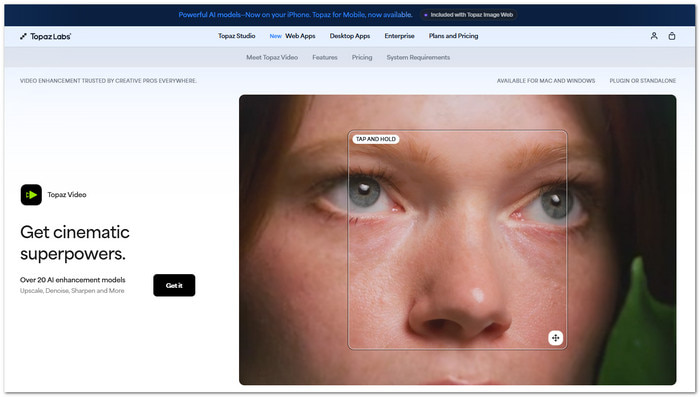
6. Topaz Video AI - Best Twitter Video Enhancer
Platforms: Windows and Mac.
Blurry or low-resolution footage can lose its impact on X. Topaz Video uses AI models to improve video quality. It can upscale footage and reduce noise. It can also restore details and smooth motion. Local rendering keeps your files on your computer during processing.
Key Features:
- AI video upscaling.
- Noise reduction.
- Video stabilization.
- Frame interpolation.
Ease of use: The main workflow is straightforward. Choosing the right AI model may take some testing.
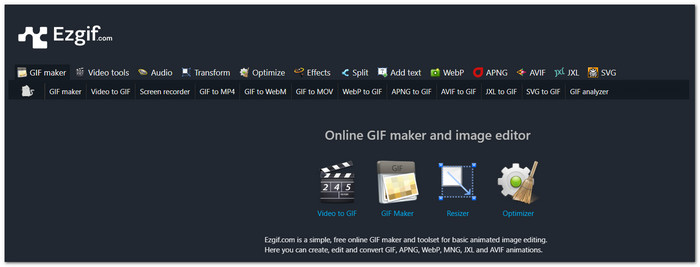
7. Ezgif - Best Twitter Video-to-GIF Tool
Platform: Web browser.
Turning a short video into a GIF does not need a complex editor. EZGIF is one of the useful Twitter video tools that lets you convert videos to GIFs online. You can also crop, resize, optimize, and edit the result. Its newer tools support other formats such as WebP and APNG for more animation options.
Key Features:
- Video-to-GIF conversion.
- GIF resizing and optimization.
- Video cutting and cropping.
- WebP and APNG tools.
Ease of use: The tools are simple to access. Some editing options may require a few extra steps.
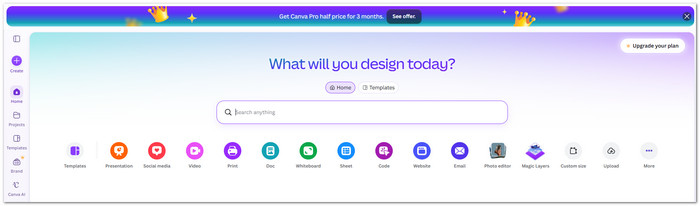
8. Canva - Best Twitter Video Maker
Platforms: Web, desktop, and mobile.
Creating a video from a blank page can take time. Canva makes that process easier with ready-made designs and creative tools. You can build social videos, add motion, match clips to music, and create content with AI.
Key Features:
- Resize videos for different formats.
- Match clips with music beats.
- Create captions automatically.
- Remove video backgrounds with AI.
Ease of Use: The drag-and-drop layout makes video editing simple. Some AI tools may need more time to learn.
9. OBS Studio - Twitter Video Recorder

Platforms: Windows, Mac, and Linux.
Recording an X video can involve more than capturing a screen. OBS Studio lets you build scenes with windows, browser pages, images, text, webcams, and capture cards. You can also mix audio and switch scenes.
Key Features:
- Scene creation is limitless.
- Unique scene changes.
- Audio filters by source.
- Hotkeys for fast actions.
Ease of Use: It's simple to begin basic recording. Learning advanced settings can take some time.
10. FFmpeg - Advanced Twitter Video Tool
Platforms: Windows, Mac, and Linux.
Need precise control over a video file? FFmpeg works through commands. It is one of the more advanced Twitter video tools for recording, converting, filtering, and streaming. It can handle many media formats. Its wide codec support gives you many ways to process X-ready video.
Key Features:
- Multi-threaded video processing.
- Hardware-accelerated encoding.
- Advanced video filters.
- Metadata and format handling.
Ease of Use: FFmpeg offers many tools, but it can be hard for beginners. Its command-line system may take some time to learn.
Part 4: FAQs of Twitter Video Tool
Can Twitter video tools add subtitles to X videos?
Yes. Tipard Video Converter Ultimate, CapCut, and Canva can help add captions or subtitles to videos. It is helpful for viewers who watch videos with the sound off.
Can Twitter video tools keep the original video metadata?
Some may keep parts of the original metadata. Others may remove it after export. Check the output settings if your metadata is important.
What should I check before uploading a video to X?
Take a quick look at your video first. Check the file type, size, quality, shape, and length. Play the video once before you post it. Make sure both the picture and sound are clear.
Conclusion
You have explored the best X Twitter video tools for 2026. These include editors, converters, downloaders, compressors, and more. But Tipard Video Converter Ultimate stands out.
It supports X-friendly formats and offers editing tools, video enhancement, compression, and more. These tools help make your videos ready for the X timeline.

All-in-one video toolbox: convert, edit, upscale, enhance, and compress your videos easily
100% Clean & Safe
100% Clean & Safe

More Reading



About the Author

 Click here to join the discussion and share your comments
 Tipard Video Converter Ultimate