

PotPlayer is a media player software program developed by a South Korean company for the Microsoft Windows operating system. Currently, it is completely free to use and ad-supported. The player is praised for a wide range of settings and customizations. One drawback is that PotPlayer doesn't work on macOS. If you want to get similar features, this article identifies and shares the top 8 PotPlayer alternatives for Mac.

Part 1: Comparison of PotPlayer Alternatives for Mac
Methodology
We have tested media players similar to PotPlayer that are available on macOS to identify the best options. Moreover, we collected hundreds of users' reports. The comparison can help you quickly learn about the best video player on Mac like PotPlayer.
| Price | Support Formats | Platforms | Max Resolution | Video Filters | Subtitle Import | |
|---|---|---|---|---|---|---|
| Tipard Blu-ray Player | $24.00 monthly and $45.00 lifetime | Over 500 input and output formats | macOS 10.9 or later and Windows 11/10/8/7 | 8K | Yes | Support |
| DivX Player | Free, $13.99 per device | AVI, DIVX, MKV, MP4, HEVC | macOS and Windows | 4K | No | Support |
| OmniPlayer | Start at $8.99 | Almost all video formats | macOS | 4K | Adjust brightness, contrast, and saturation | Online search |
| Elmedia Player | Free, $19.95 | Almost all video formats | macOS | Pro supports 4K | Pro support brightness, contrast, and saturation adjustment | OpenSubtitle |
| VLC Media Player | Free | Almost all video formats | macOS, Windows, Linux, Android, and iOS | 4K | Limited | Support |
| IINA | Free | Almost every video format | macOS | 8K | Limited | Online search |
| QuickTime Player | Free | MOV and MP4 | macOS and Windows | Retina resolution | No | No |
| Kodi | Free | Almost every video format | macOS, Windows, Linux, Android, Fire TV | 4K | No | Automatic download |
| Show MoreShow Less | ||||||
Part 2: Top 4 Premium PotPlayer Alternatives for Mac
Top 1: Tipard Blu-ray Player
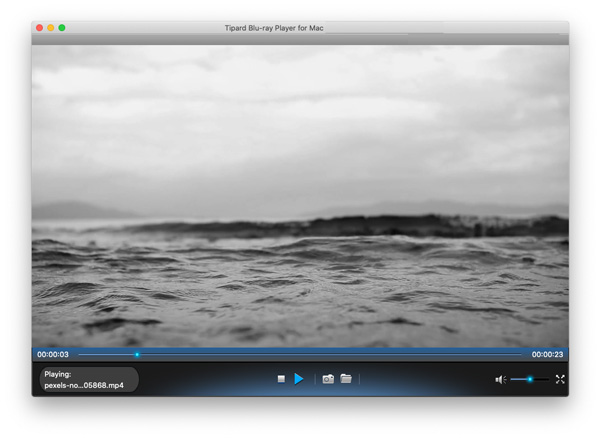
Tipard Blu-ray Player is one of the top video players on Mac like PotPlayer. In addition to movie DVDs and Blu-ray discs, it can open and play digital videos. The compact design and built-in hardware acceleration can offer a smooth experience when playing 8K and 4K UHD.
- .Play almost all video and audio formats.
- Open DVD, Blu-ray, ISO, and folder.
- Support up to 8K.
- Full control video playback.
- Manage videos on playlists.
- It may take a while to load a large video file.
Here are the steps to use the PotPlayer alternative on Mac:
Step 1 Install the PotPlayer alternative
Run the PotPlayer alternative after installing it on your Mac. There is another version for Windows.
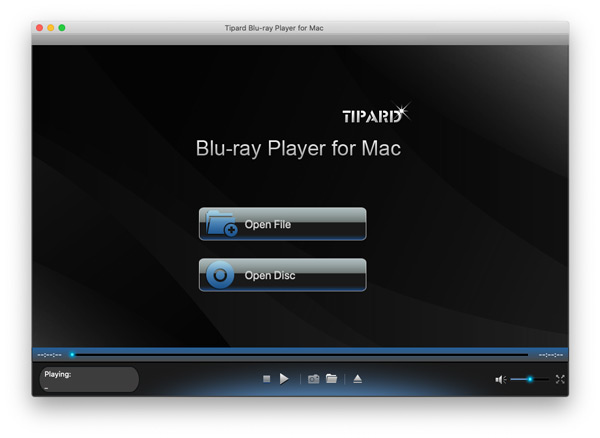
Step 2 Open a video
Click the Open File button to trigger the open-file dialog. Then, locate the video you want to view and open it.
Step 3 Control playback
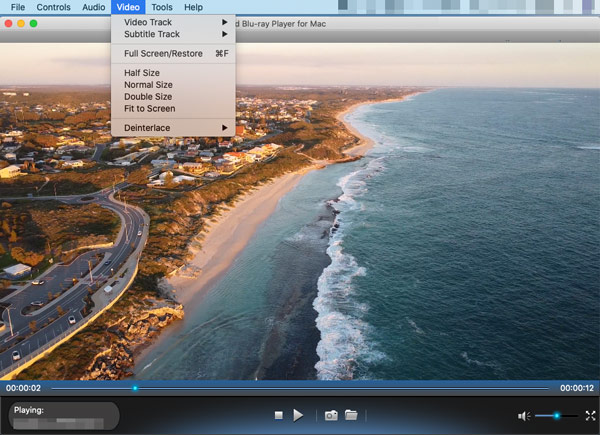
Then you can control playback with the buttons at the bottom, including the screenshot button. To get more controls, locate the top menu bar.
Top 2: DivX Player
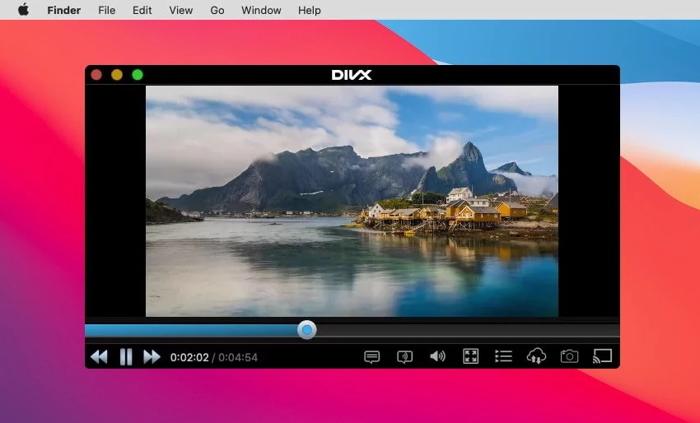
As a PotPlayer for Mac, DivX Player was designed to play DivX and other popular video formats, such as MP4, AVI, and MKV. It works with OpenSubtitles to search and match subtitles in over 50 languages.
- Play popular video formats.
- Offer a high-quality viewing experience.
- Search for subtitles on OpenSubtitles.
- Customize color and size.
- Large and take much system resources.
- Advanced features are only in Pro.
Top 3: OmniPlayer
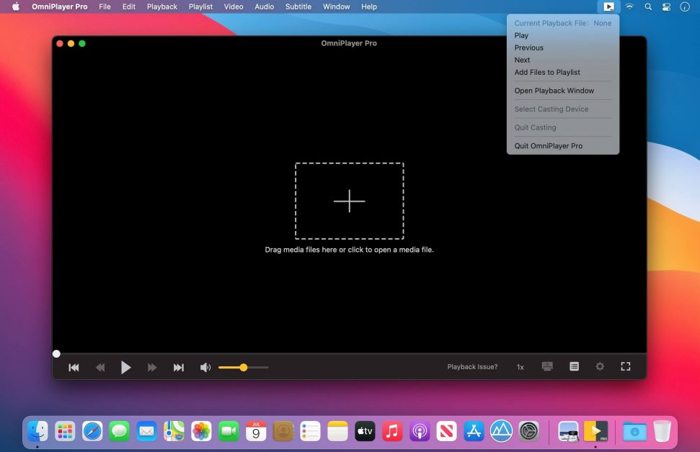
OmniPlayer is a comprehensive PotPlayer on Mac OS X. It can play almost every video and audio format; you can view it as a video player for all formats. It can play up to 4K videos and lossless audio with hardware decoding, ensuring smooth playback.
- Control playback conveniently.
- Manage videos on playlists.
- Change the encoding of subtitles.
- Play videos on remote servers.
- 4K playback requires the pro version.
- Cannot play 3D.
Top 4: Elmedia Player
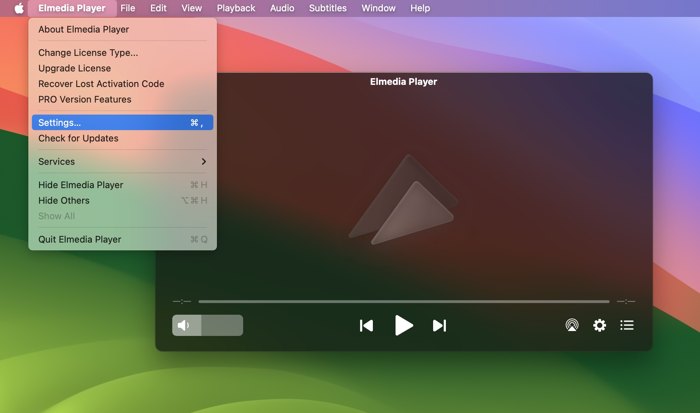
Elmedia Player is an impressive alternative to Daum PotPlayer for Mac. It supports many multimedia formats. Moreover, it allows users to play videos on YouTube, Dailymotion, and other streaming platforms.
- Support popular video formats.
- Sync audio and subtitles.
- Stream videos without ads.
- Offer a range of playback options.
- Advanced features have a learning curve.
- The built-in converter is basic.
Part 3: Top 4 Free PotPlayer Alternatives for Mac
Top 1: VLC Media Player
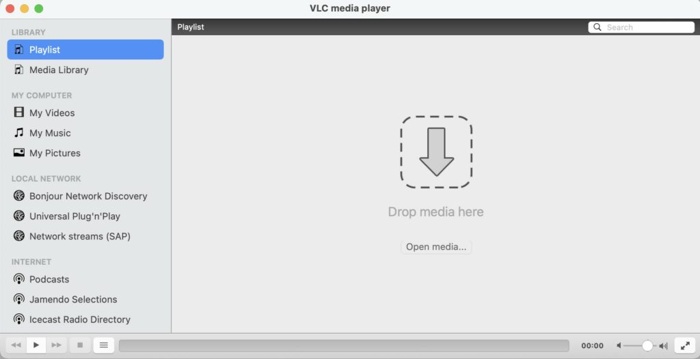
VLC Media Player offers a free download of PotPlayer for Mac. It is free, open-source, lightweight, and cross-platform. Unlike PotPlayer, users can access full features without viewing ads.
- Play nearly every video format.
- Lightweight and fast.
- Compatible with a wide range of platforms.
- Offer advanced playback controls.
- Include streaming stability problems.
- Integrate an outdated interface.
Top 2: IINA
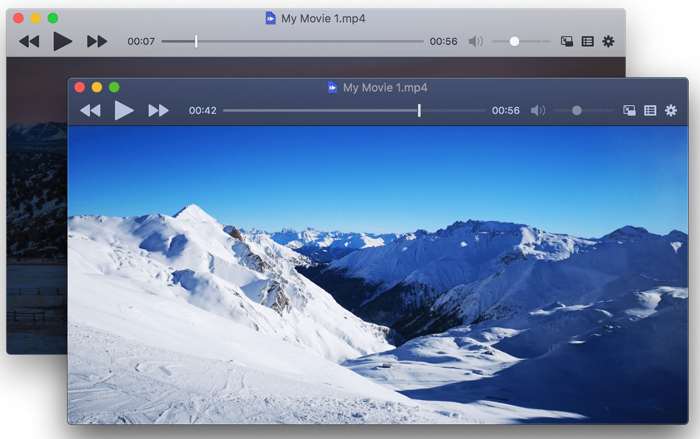
IINA is a modern and open-source PotPlayer alternative for Mac. It plays virtually any media file and online stream, such as YouTube. In addition to the Mac app, it provides a browser extension.
- Compatible with a wide range of media formats.
- Play online streaming directly.
- Completely free and open source.
- Natively developed and supported by the community.
- Require external tools, such as youtub-dl.
- Only available for macOS.
Top 3: QuickTime Player
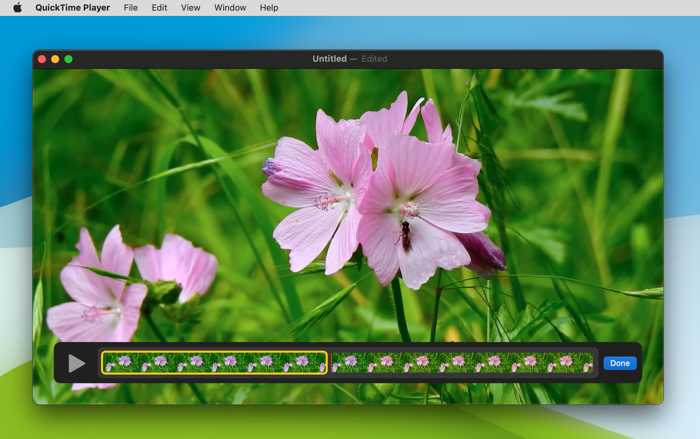
QuickTime Player is the best video player on Mac that is like PotPlayer. In fact, it is the built-in media player on all Mac computers and laptops. The free version is enough to play MOV and MP4 on Mac.
- Free and preinstalled on Mac.
- Play online streams from URLs.
- Offer basic media tools, such as a screen recorder.
- Work with Mac apps seamlessly.
- Limited media format support.
- Lack advanced playback controls.
Top 4: Kodi
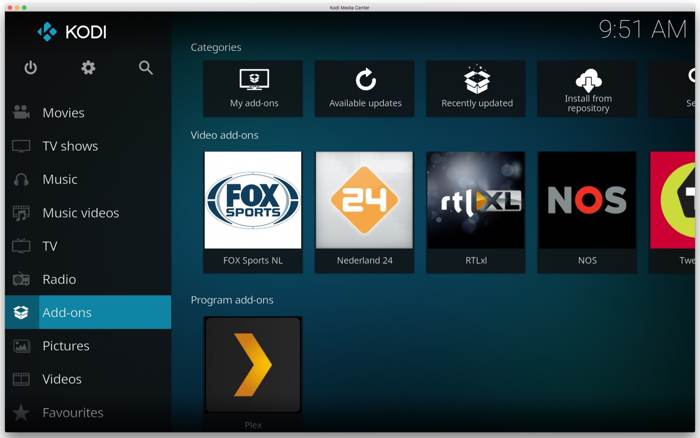
Kodi is another free alternative to PotPlayer for Mac. In fact, many people use the app to organize media files and enjoy movies, shows, streams, and more on their Mac computer or laptop.
- Free and open-source.
- Extend with over 900 add-ons.
- Connect to streaming services.
- Support for lots of devices.
- A messy interface.
- Steep learning curve.
Conclusion
This article shared the top 8 best premium and free alternatives to PotPlayer for Mac. Some of them are completely free to use and open source. Others require you to upgrade to the Pro version or purchase a license. Tipard Blu-ray Player is a good option for beginners.

Play Blu-rays and multimedia files with the best video and audio quality
100% Clean & Safe
100% Clean & Safe

More Reading



About the Author

 Click here to join the discussion and share your comments

 Tipard Blu-ray Player