

As anticipated, an MP4 player on Android is not only used to access video files. It assists in opening improved playback control, enhanced optimization and extended codec support. Most built-in video applications cannot handle large files with high resolution, subtitles, or unusual audio files. This usually contributes to latency, playback problems, or not even playing a video. An effective MP4 player would address these boundaries because it would be able to decode the videos more effectively across devices.
Part 1: Why Do You Need an MP4 Player on Android?
1. Codec Support and Playback Problems
Many users assume all MP4 files will play on Android without issues. In reality, MP4 is just a container, and the codecs inside determine if a video will work. Some of the default Android players may only accept basic codecs, and this may result in errors, a lack of audio or even playback failure. This is one of the reasons why users find it hard to play MP4s in Android without installing a specific application.
2. Better Performance and Optimization
Stock video apps are designed for simplicity, not heavy files. High-resolution or large MP4 videos can cause lag, freezing, and fast battery drain. A reliable MP4 player for Android is optimized to handle system resources efficiently, uses hardware acceleration, and ensures smooth playback across a variety of devices.
3. More Playback Features and Controls
The default players usually do not have the basic features such as subtitle support, switching audio tracks and speed control of the playback. To obtain these additional features, enabling them to control video playback better and enjoy the viewing process more, many users find a free MP3 MP4 player download for Android that enables them to have the aforementioned features.
4. Compatibility Across Devicesls
Android is operating on numerous brands, models and system versions. The same video can work effectively on one device and not on the other. A good video MP4 player Android device adjusts to such differences, enhancing compatibility and minimizing playback issues on older devices or modified Android systems.
5. Why a Dedicated MP4 Player Is Important
It is not only the optional installation of a specific player. It has a better playback quality, a wider range of formats, and handy functionality. To the average video watcher, the Android MP4 player is the best option, where consistency, reliability, and smooth performance are guaranteed regardless of the device.
Part 2: Top 10 MP4 Players for Android in 2026
1. VLC for Android
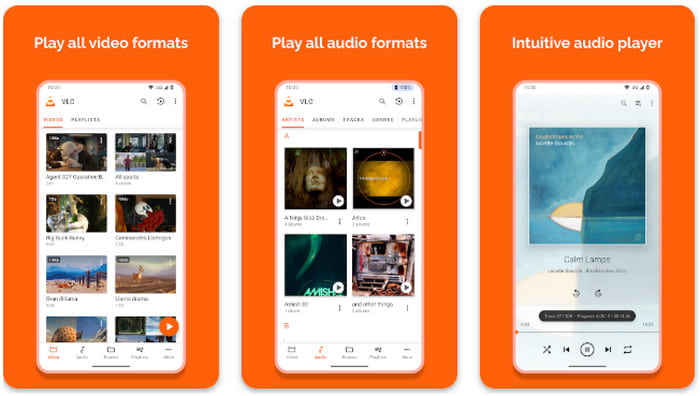
VLC for Android is a flexible MP4 player for Android that can handle almost all video and audio formats, including the AV1 codec. It is compatible with subtitles, gesture control, and hardware acceleration to give it a smooth playback on all devices.
- Free and open source
- Supports almost all codecs
- Customizable interface
- The user interface may feel cluttered for beginners
2. MX Player
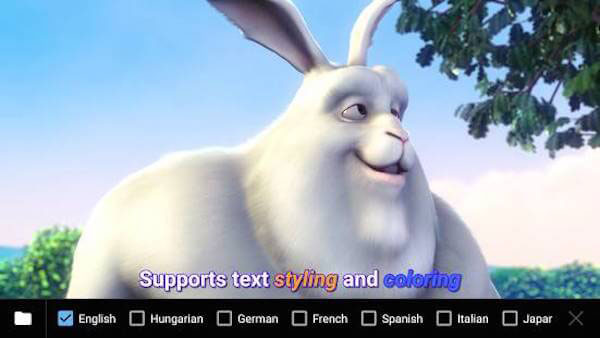
One of the highly used applications to play MP4 on Android is MX Player. It also provides multi-core decoding option, subtitle choice and gesture controls to provide an easy-to-watch viewing.
- Smooth and reliable playback
- Gesture control support
- Subtitle customization
- Ads in the free version
- Pro features require purchase
3. KMPlayer
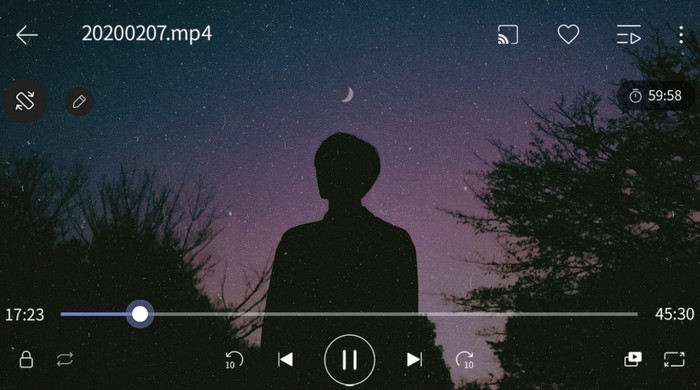
KMPlayer is a sophisticated MP4 player on Android capable of playing in high definition. Plus, it allows users to manage subtitles and be connected to cloud storage.
- HD video support
- Cloud storage access
- Subtitle options
- Occasional ads
- Heavier on device resources
4. BSPlayer
BSPlayer is a free MP3 MP4 player download on Android with hardware acceleration, playlist control and support of various subtitle formats.
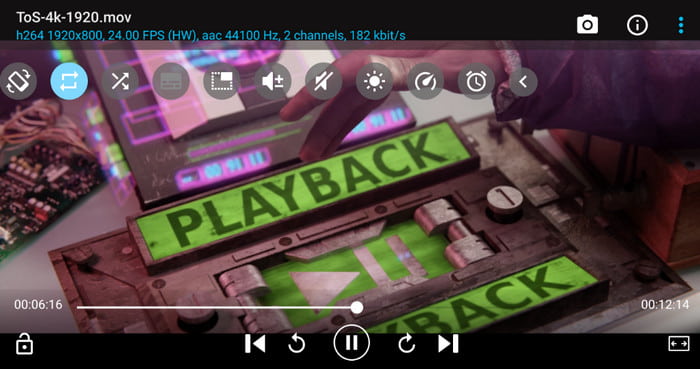
- Lightweight and efficient
- Supports many formats
- Playlist management
- Free version includes ads
- The interface may feel outdated
5. GOM Player
GOM Player is a reliable video MP4 player Android with strong codec support, subtitle management, and network streaming options.
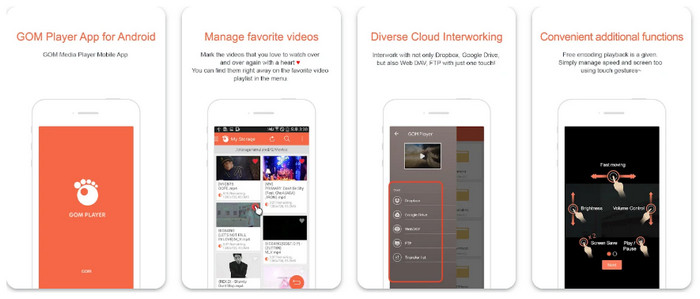
- Strong codec support
- Network streaming
- Subtitle management
- The free version has limited features
- Premium required for full functionality
6. FX Player
FX Player is a simple and fast Android MP4 player best for everyday video playback. It supports common file formats and offers a clean, easy-to-use interface.
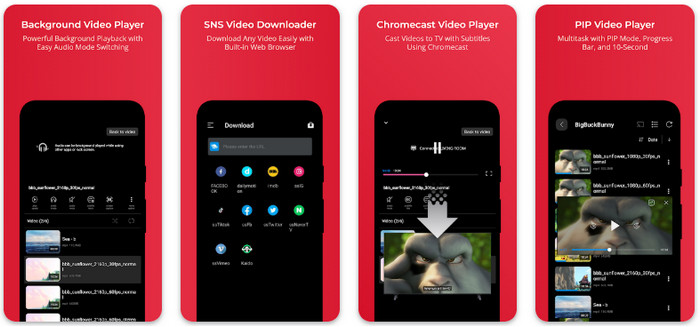
- Lightweight and fast
- Simple interface
- Supports multiple video formats
- Fewer advanced features than competitors
7. PlayerXtreme Media Player
PlayerXtreme works as an Android tablet MP4 player with high-definition playback, subtitle support, and Wi-Fi transfer capabilities.
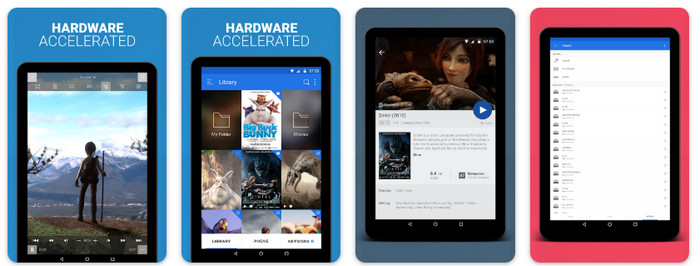
- HD video support
- Subtitles supported
- Wi-Fi file transfer
- Some features require a premium
- Occasional minor interface issues
8. Archos Video Player
Archos Video Player is an Android TV MP4 player, tailored towards big-screen displays. It has several formats and subtitles handled effectively.
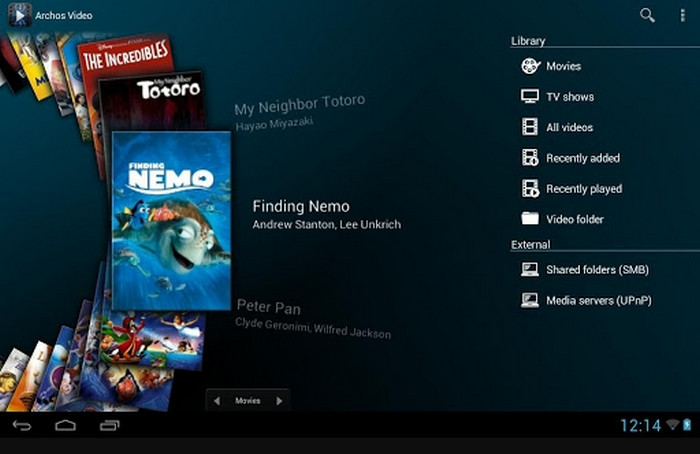
- Optimized for TVs
- Supports many codecs
- Subtitle options
- Free version includes ads
- The user interface could be improved
9. AllCast
AllCast is a useful app to play MP4 on Android that can stream local videos to other devices like TV or Chromecast while supporting local playback.
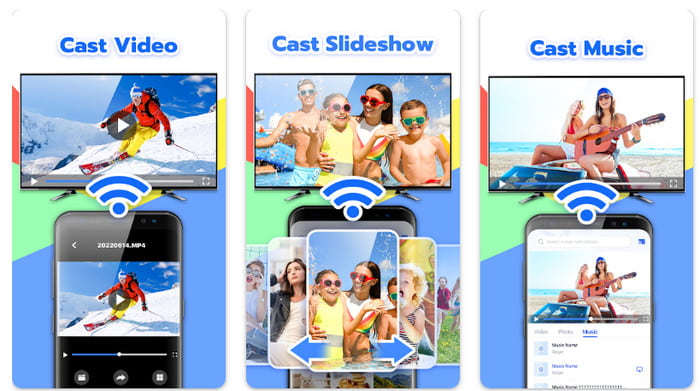
- Stream to TV or Chromecast
- Supports multiple formats
- Easy to use
- Limited features in the free version
- Streaming can occasionally lag
10. Vimu Media Player
Vimu Media Player is considered the best MP4 player app for Android with HD playback, subtitle customization, and a simple, intuitive interface.
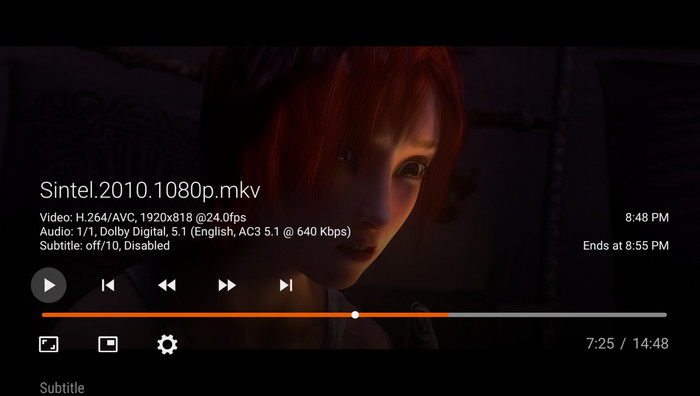
- Clean and easy interface
- HD video support
- Subtitle options
- Fewer advanced tools than VLC or MX Player
Bonus: Play MP4 Videos on PC and Mac in High Quality
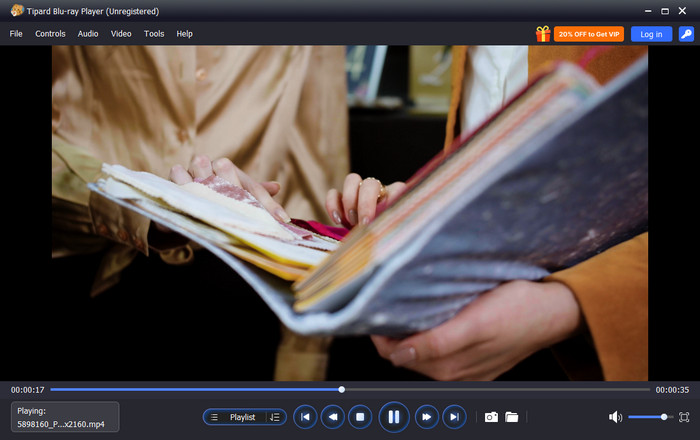
For anyone looking for a reliable way to watch videos on Windows or Mac, Tipard Blu-ray Player is the best option to play not only MP4 files but almost any video format. It supports nearly all MP4 formats with different codecs, ensuring smooth and error-free playback. The player also includes a playlist feature, making it easy to organize and watch multiple videos in sequence.
Beyond MP4, Tipard Blu-ray Player handles many popular and rare video formats and codecs, providing a versatile and high-quality media experience on both PC and Mac. So, if you want a VLC media player alternative, then this is for you.
Part 3: Comparing the Top 10 MP4 Players on Android
| Features | Formats and Codecs Supported | Playlist Feature | Subtitle Support | Device Optimization |
|---|---|---|---|---|
| VLC for Android | Supports almost all MP4 formats and many other codecs | Yes | Yes | Optimized for smooth playback across devices |
| MX Player | Wide codec support, including advanced formats | Yes | Yes | Multi-core decoding for high performance |
| KMPlayer | HD MP4 support and cloud storage integration | Yes | Yes | Efficient playback on most devices |
| BSPlayer | Hardware acceleration, multiple subtitle formats | Yes | Yes | Lightweight and efficient |
| GOM Player | Strong codec support, network streaming | Yes | Yes | Smooth playback across Android versions |
| FX Player | Common MP4 formats and general video support | No | Yes | Lightweight and fast |
| PlayerXtreme Media Player | HD MP4 and multiple codecs | Yes | Yes | Optimized for tablets |
| Archos Video Player | Multiple formats, including HD | Yes | Yes | Optimized for large screens and TVs |
| AllCast | Local playback and streaming formats | Yes | Limited | Supports streaming to TVs |
| Vimu Media Player | HD MP4 support and subtitles | Yes | Limited | Smooth playback on most devices |
| Show MoreShow Less | ||||
Conclusion
With these video players, you can easily play MP4 on Android nonstop. You would not encounter playback lags and errors once you have these players. Furthermore, if you want to have a marathon on your PC or Mac, then use Tipard to have endless joy while watching in super high definition.
More Reading

About the Author


 Tipard Blu-ray Player