

AC3, short for Audio Coding 3, is an audio compression format developed by Dolby Laboratories. Compared to other audio formats, it is widely used for DVDs, Blu-ray discs, and broadcasts. It was designed to deliver high-quality audio while efficiently reducing file size. An AC3 file can support up to 5.1 audio channels. This article reviews the top AC3 audio players for Windows, macOS, Android, and iOS.

Part 1: Comparison of Top AC3 Players
Methodology
We tested popular video-playing applications on the market to identify which supported the AC3 format. When reviewing the top AC3 players, we focus on a few factors, like supported platforms, supported audio formats, ease of use, and more.
| Supported audio codecs | Supported platforms | Best for | |
|---|---|---|---|
| Tipard Blu-ray Player | AC3, FLAC, MP3, WAV, WMA, AAC, AIFF, etc. | Windows 11/10/8/7 and macOS 10.9 or above | AC3 disc playback |
| AIMP | AC3, MP3, AAC, WMA, FLAC, WAV, etc. | Windows, Linux, and Android | Free video and audio playback |
| PotPlayer | AAC, AC3, AIFC, AMR, FLAC, M4A, MP3, etc. | Windows | AC3 playback on PCs |
| VLC | AC3, FLAC, FLV, OGG, MP3, WMA, etc. | Windows, macOS, Linux, Android, iOS | AC3 playback on iPhones |
| GOM Player | AC3, AAC, MP3, M4A, FLAC, WAV, etc. | Windows, macOS, iOS | 3D sound surround |
| KMPlayer | AC3, AVI, FLAC, 3GP, WMV, etc. | Windows, macOS, Android, iOS | AC3 playback for free |
| Show MoreShow Less | |||
Part 2: Top 3 AC3 Players for PC
Top 1: Tipard Blu-ray Player
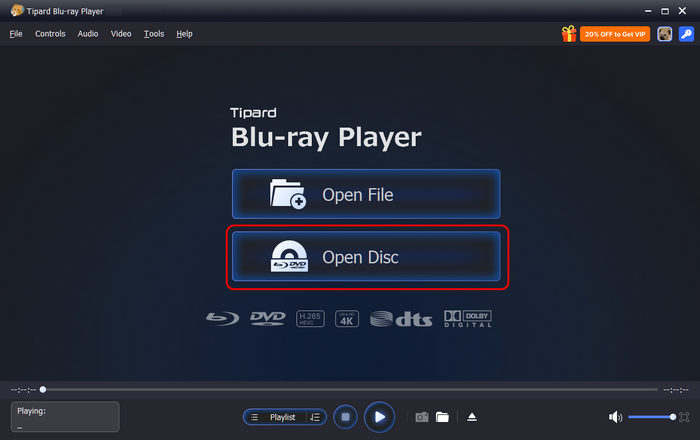
Tipard Blu-ray Player is a great AC3 audio-video player on PC and Mac. It uses advanced technology to smooth the audio and video playback. Moreover, it gives you full control over playback and an excellent audio experience.
- Play AC3 smoothly.
- Enjoy audio discs on a computer.
- Support a wide array of audio codecs.
- Optimize audio quality with AI.
- Full control of audio playback.
- You need to purchase a license after the free trial.
Here are the steps to play AC3 on your desktop:
Step 1 Install the AC3 player for PC
Start the AC3 player after you install it on your PC. There is another version for Mac. Click the Open File button in the home interface and choose the AC3 file on your drive. To play an audio disc, click the Open Disc button.
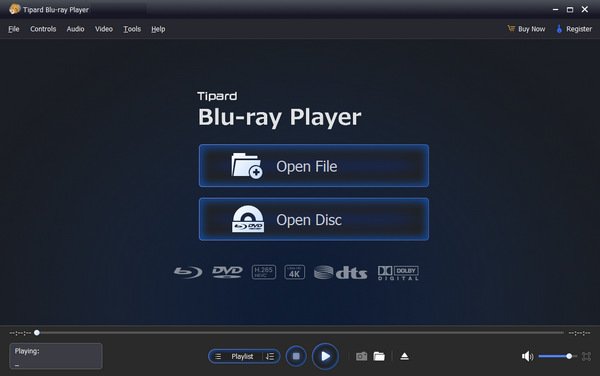
Step 2 Load AC3
Once the AC3 file loads, you will be presented with the main interface.
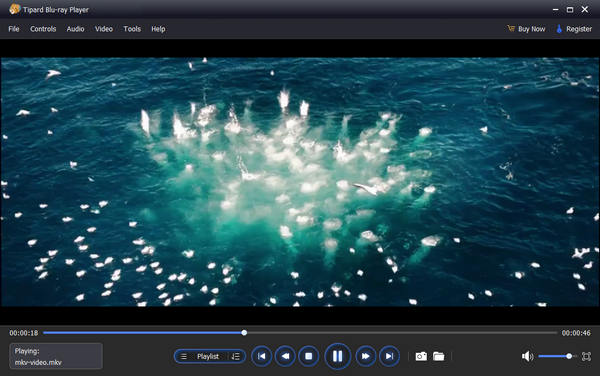
Step 3 Play AC3
The buttons at the bottom let you control playback, including pause, play, and more. If you want to get more controls, the top menu bar is available.
Top 2: AIMP
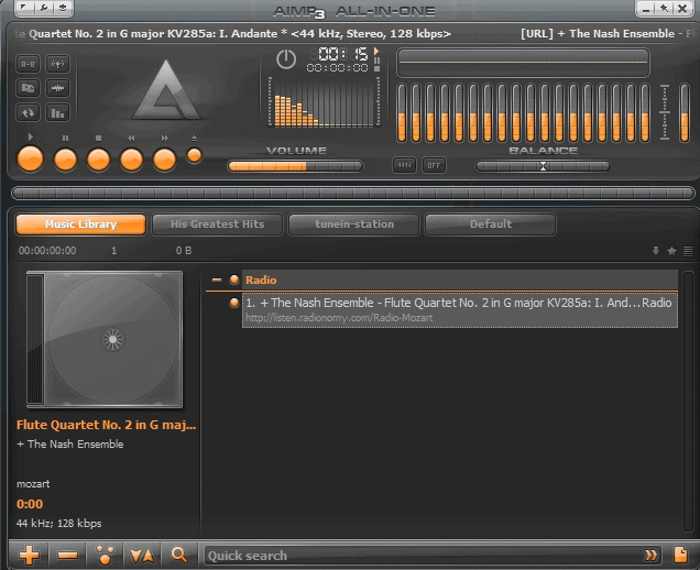
AIMP is one of the best AC3 media players for Windows, Linux, and Android. It supports a variety of audio codecs. Plus, it comes with bonus features, like audio file conversion and audio metadata editing.
- Cross-platform.
- Play AC3 audio files.
- Convert audio file formats.
- Edit metadata.
- The options screen is disorganized.
- Include ads.
Top 3: PotPlayer
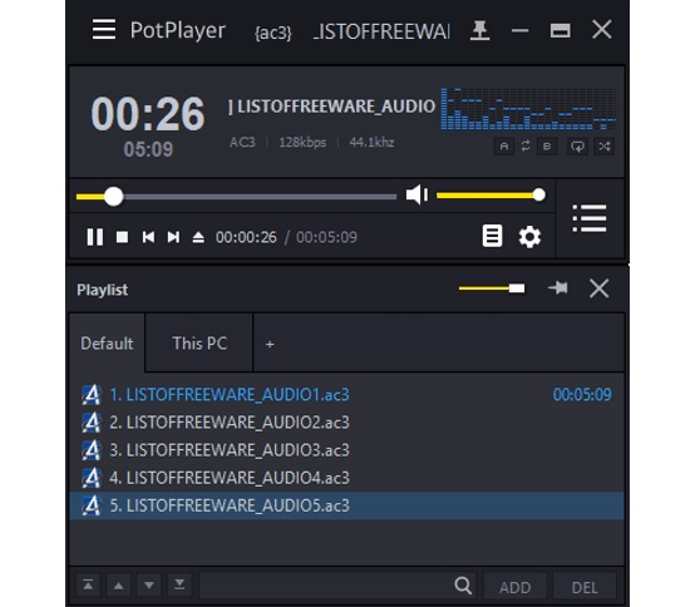
PotPlayer is another AC3 format player for PCs. It integrates a large number of codecs, including AC3. It can handle a wide range of multimedia formats, making it ideal for both casual and advanced audiences.
- Support high-quality playback.
- Integrate a wide array of codecs.
- Include robust audio options.
- Customizable interface.
- Steep learning curve.
- The interface is outdated.
Part 3: Top 3 AC3 Player Apps on Android and iPhone
Top 1: VLC
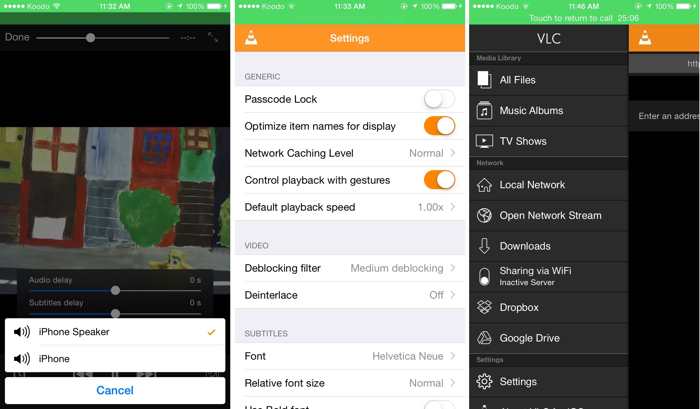
VLC is a popular AC3 file player on computers and mobile devices. In addition to audio playback, it is equipped with a variety of custom options, including subtitle synchronization, audio filters, and more.
- Play AC3 and other codecs.
- Support almost all audio codecs.
- Expandable via plugins.
- Highly customizable.
- Some features are unavailable on iOS.
- Large and take up space.
Top 2: GOM Player
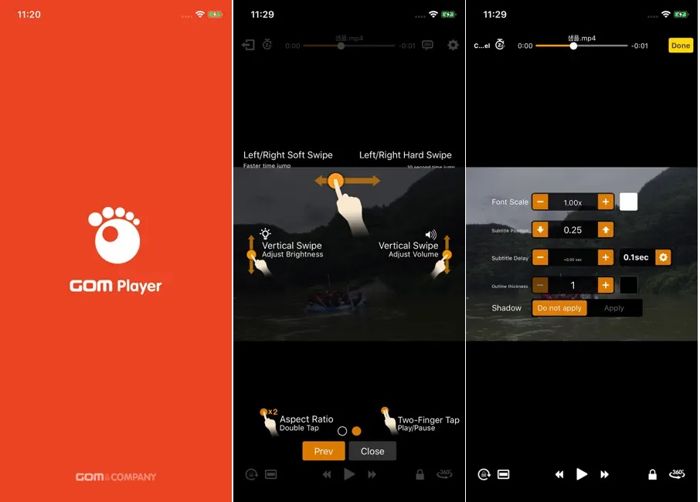
GOM Player is another AC3 audio player for mobile devices. In addition to normal audio files, it can play some corrupted audio files, finding missing codecs and subtitles. Plus, it comes with advanced features.
- Support excellent formats.
- Find subtitles automatically.
- Search codecs.
- Control playback with fingers.
- The interface isn’t intuitive.
- Ads are annoying.
Top 3: KMPlayer
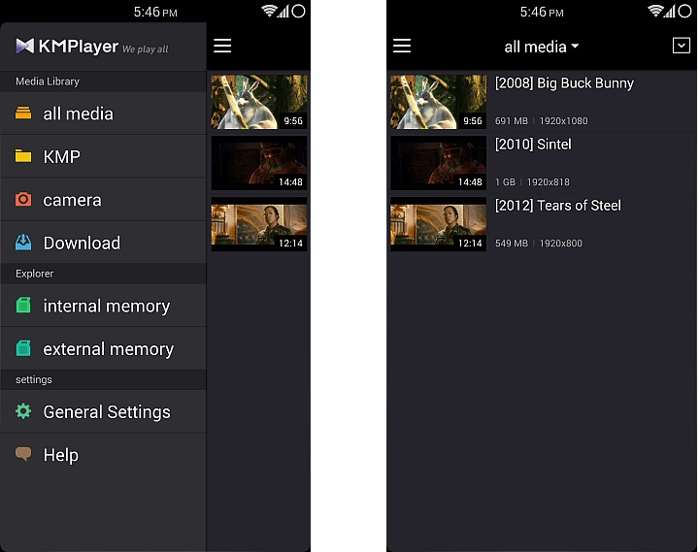
KMPlayer is an AC3 player for Android and other platforms. It is a free, ad-supported player. It can play most audio and video codecs, including AC3. Plus, it supports high-quality audio playback.
- Completely free.
- Available on various platforms.
- Convert media formats.
- Support hardware acceleration.
- The interface can feel cluttered.
- Unavailable on new devices.
Conclusion
Now, you should learn the top 6 AC3 audio players on Windows, macOS, Linux, Android, and iOS devices. Some of them are completely free to use. Others require you to purchase a license. Tipard Blu-ray Player, for example, is a great option for AC3 playback on your computer.
More Reading




Play Blu-rays and multimedia files with the best video and audio quality
100% Clean & Safe
100% Clean & Safe

About the Author

 Click here to join the discussion and share your comments
 Tipard Blu-ray Player