
How to transfer local ePub to iPod touch? Tipard Mac iPod touch Transfer for ePub is really a time-saver, which can help you solve this problem. It can easily transfer the ePub files from Mac to iPod touch without losing files. Plus, it also enables you to transfer iPod touch ePub files to Mac for backup. Then, you will have no worry about files missing or being damaged.
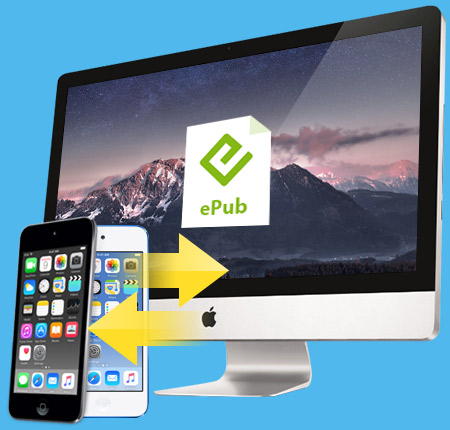
Import ePub files from Mac to iPod touch and export ePub from iPod touch to Mac
Transfer ePub from Mac to iPod touch
Tipard Mac iPod touch Transfer for ePub can help you transfer your local ePub files to iPod touch for you to enjoy without worrying about any losses of your files.
Backup iPod touch ePub to Mac
In case of missing files , Tipard Mac ePub to iPod touch Transfer allows you to backup your iPod touch ePub file on Mac.

Support all iPod/iPad/iPhone versions
Tipard Mac iPod touch Transfer for ePub supports iPod 1G, iPod 2G, iPod 3G, iPod 4G, iPod classic, iPod mini, iPod nano 1, iPod nano 2, iPod nano 3, iPod nano 4, iPod nano 5, iPod shuffle 1, iPod shuffle 2, iPod shuffle 3, iPod touch, iPod touch 2, iPod touch 4, iPod Video, iPhone, iPhone 3G, iPhone 3GS, iPhone 4, iPad and iPad 2.
Easy to use
The user-friendly interface can make the operation so easy just with only a few clicks.
Super high speed
You can finish the operation with least time compared with similar softwares on market.

Processor: Intel® processor and Apple M1/M2 chip
OS Supported: Mac OS X 10.7 or above (highly support macOS Sonoma)
Hardware Requirements: 512MB RAM, Super VGA (800×600) resolution, 16-bit graphics card or higher
| Supported Interface Languages | |
| Language Types | English, French, German, Japanese |
| Support File Type | |
ePub, PDF |
|
| Support Devices | |
iPhone 15, iPhone 15 Plus, iPhone 15 Pro, iPhone 15 Pro Max, iPhone 14, iPhone 14 Plus, iPhone 14 Pro, iPhone 14 Pro Max, iPhone 13, iPhone 13 Pro, iPhone 13 Pro Max, iPhone 13 mini, iPhone 12, iPhone 12 Pro, iPhone 12 Pro Max, iPhone 12 mini, iPhone 11, iPhone 11 Pro, iPhone 11 Pro Max, iPhone XS, iPhone XS Max, iPhone XR, iPhone X, iPhone 8, iPhone 8 Plus, iPhone 7, iPhone 7 Plus, iPhone 6s, iPhone 6s Plus, iPhone 6, iPhone 6 Plus, iPhone SE, iPhone 5s, iPhone 5c, iPhone 5, iPhone 4S, iPhone 4, iPhone |
|




Home | About | Privacy Policy | Terms of Use | Affiliate | Support | Contact Us
Copyright © 2024 Tipard Studio. All Rights Reserved.