
Tipard FLV Video Converter Suite for Mac contains FLV Converter for Mac and DVD to FLV Converter for Mac. Using Tipard FLV Video Converter Suite for Mac, Mac users can easily convert FLV, SWF, WMV, ASF on Mac, such as convert FLV to AVI, WMV, MPEG, as well as to MP4, MOV, 3GP, etc. You can also make it easy to convert your favorite DVD to FLV videos on Google Video, Myspace, Yahoo! Video, etc.
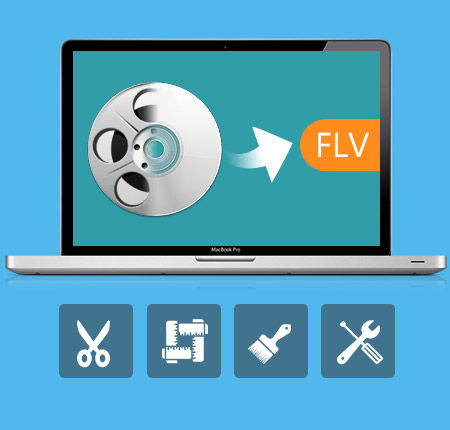
Convert FLV to other formats on Mac
Convert SWF, FLV files to AVI, WMV, MPEG on Mac, as well as to MP4, MOV, 3GP, etc.
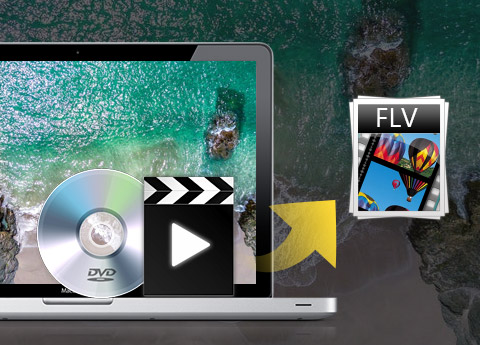
Convert DVD to FLV on Mac
Convert your favorite DVD to FLV videos on Google Video, Myspace, Yahoo! Video, etc
Powerful Editing Functions
Trim, crop, merge, watermark video clips and adjust video effects. You can get many different styles of videos made by yourself.
You can own different styles of videos made by yourself
Preview and design the video effect
When you are previewing the final effect, the Effect button assists you to design and customize the movie effect by changing video Brightness, Contrast, Saturation.
Gain multiple output formats only once conversion
Set multiple output formats for converting at the same time. So you can get those videos at one time conveniently.
Merge several chapters of DVD/video into one file
With several files merged into one file for output, you'll enjoy a single long movie with a single click.
Select audio track and subtitle
Tipard FLV Video Converter Suite for Mac allows you to choose the audio track and subtitle (No Subtitle) for your converted video.
Easy to use and high-speed conversion
With the intuitive interface and professional technology, you can get the target video easily at the overwhelming speed.

OS Supported: macOS 10.12 or above (highly support macOS Sonoma)
Processor: PowerPC® G4/G5, Intel® processor and Apple M1/M2 chip
Hardware Requirements: 512MB RAM, Super VGA(800×600) resolution, 16-bit graphics card or higher
| Supported Interface Languages | |
| Language Types | English, French, German, Japanese |
| Support Input File Formats | |
| Video | WMV,ASF, 3GP,3G2, FLV, SWF |
| Audio | MP3, MP2, AAC, AC3, WAV, WMA, M4A, AIF, AIFF, APE, FLAC |
| DVD | DVD-Video, DVD folder, DVD IFO file |
| Support Output File Formats | |
| Video | MPEG-4, H.264/MPEG-4 AVC, MOV, M4V, AVI, DivX, XviD, ASF, WMV, MPEG-1, MPEG-2, 3GP, 3GPP, MKV, FLV, SWF, VOB, DV, Super VCD (NTSC, PAL, SECAM), VCD(NTSC, PAL, SECAM) , DVD(NTSC, PAL, SECAM) |
| Audio | AAC, AC3, AIFF, AMR, AU, FLAC, MP3, M4A, MP2, OGG, WAV, WMA |
| HD Video | HD H.264, HD AVI, HD MPG, HD TS, HD WMV, HD MPEG 4, HD MOV, HD ASF |
| Snapshot Image | JPEG, GIF, BMP |
| Support Devices | |
iPhone 15/iPhone 15 Plus/iPhone 15 Pro/iPhone 15 Pro Max, iPhone 14/iPhone 14 Plus/iPhone 14 Pro/iPhone 14 Pro Max, iPhone 13/iPhone 13 Pro/iPhone 13 Pro Max/iPhone 13 mini, iPhone 12/12 Pro/12 Pro Max/12 mini, iPhone 11/11 Pro/11 Pro Max, iPhone XS/XS Max, iPhone XR, iPhone X, iPhone 8, iPhone 8 Plus, iPhone 7, iPhone 7 Plus, iPhone 6s, iPhone 6s Plus, iPhone 6, iPhone 6 Plus, iPhone SE, iPhone 5s, iPhone 5c, iPhone 5, iPhone 4S, iPhone 4, iPhone |
|
Convert video/DVD to any popular video/audio format, and then you can play the video on portable device./video to wide selection of video/audio formats like MP4, MKV, and MP3.
Convert video and rip DVD disc/movie to video and audio formats like MP4, MOV, AVI, WMV, MKV, FLV, and more with amazing converting speed.




Home | About | Privacy Policy | Terms of Use | Affiliate | Support | Contact Us
Copyright © 2024 Tipard Studio. All Rights Reserved.