

Guide of Converting FLV to H.264 with perfect quality?

As we all know, FLV streaming media format is a kind of new video format which called Flash Video. FLV make it possible to enjoy video files on the net due to its tiny documents and high loading speed. Major well-known video portals have adopted this format, such as Tudou, Youku and many other webs.H.264 is a new generation of digital video after MPEG4 compression format. H.264 has a smooth high-quality images, and the video data after the H.264 compressed in the process of network transmission require less bandwidth which make it more economical. Most of popular films are adopting the H.264 format.
As many people want to enjoy their movies on the portable devices, we need to convert FLV to the portable devices compatible formats, like H.264, AVI, 3GP, RMVB and so on. Then how to convert FLV to H.264? Tipard FLV Converter is what you need.Here is a guide about how to convert FLV to H.264 with Tipard FLV Converter software.
Download and run the program
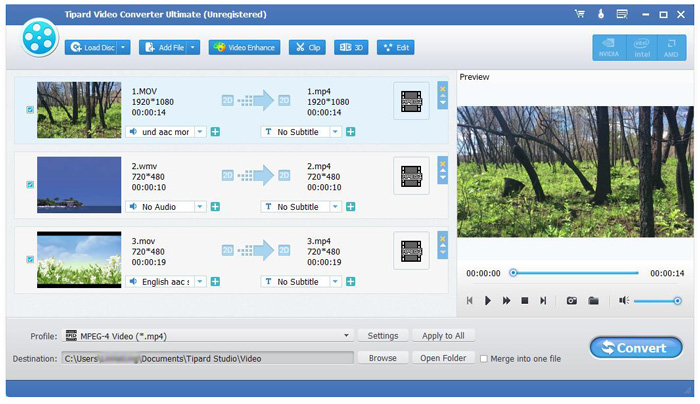
To download Tipard FLV Converter software and to import the FLV files you want to convert by click the "Add video" button under "File" button on the top-line of the main interface. As you see, you can preview the loaded videos on the right side of the interface.
Select H.264 as the output format
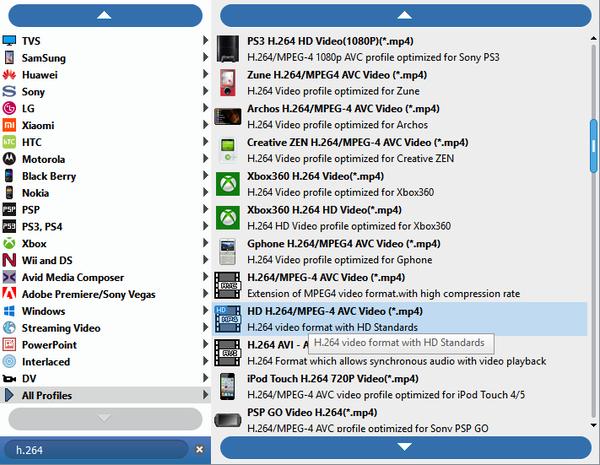
Just click "Profile" button and enter "H.264" to select the output format you need. There are many formats provide for you, like HD H.264 TS Video, iPhone 5 H.264 Video and so on.
Set the output settings
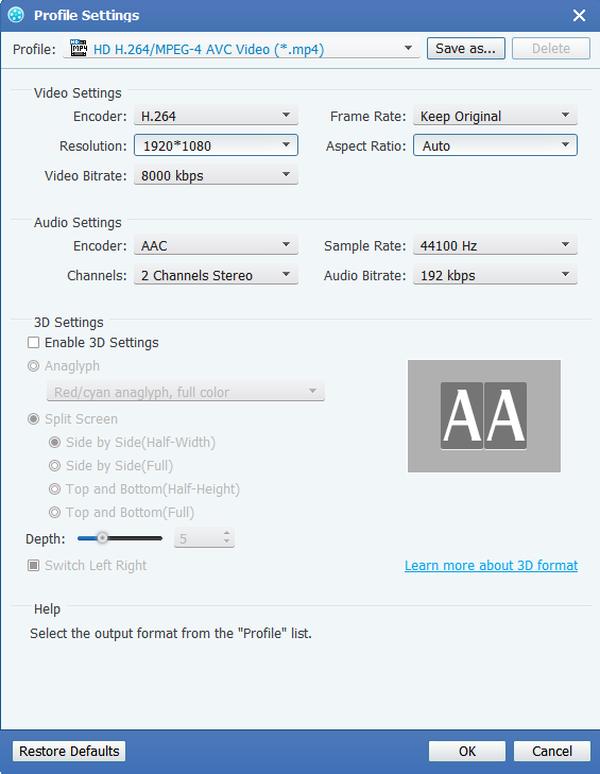
Clicking "Settings" button which is on the bottom of the interface. It allows you to adjust the Video Encoder, Resolution, Frame Rate, Video Bitrate; set the Audio Encoder, Sample Rate, Channels, Audio Bitrate. You can also save all the output settings as your preference.
Edit your movies
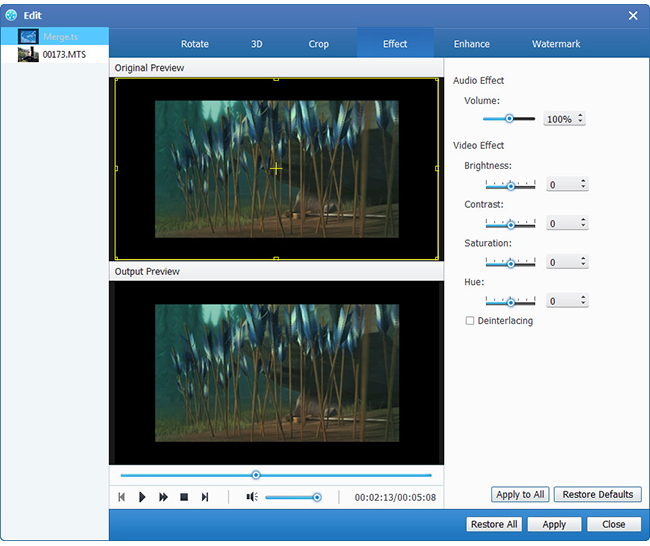
It also provides you with powerful editing functions. You can get different styles of videos made by yourself, since this software allows you to upgrade video effect, trim your video clips, crop the play region of video, merge several chapters of video into one file and cool watermarks also provided for you.
Convert FLV to H.264 format
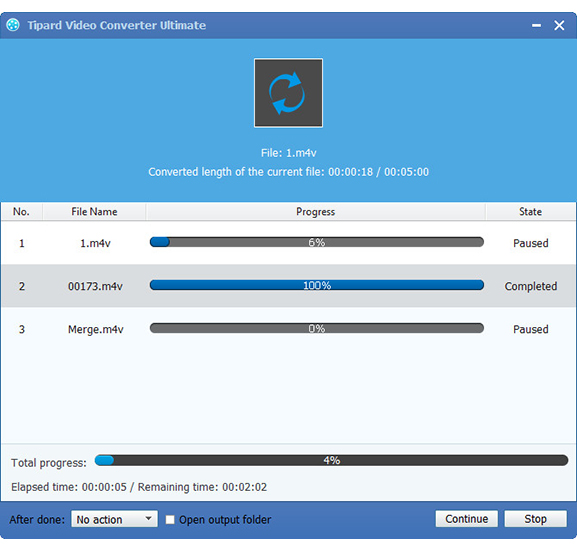
After the above steps completed, you can start to convert FLV video to H.264 format by clicking the "Convert" button. After the conversion, your H.264 files are converted and stored in your destination folder.

 Top 10 Free MP4 to WMV Converter Apps
Looking for the best MP4 to WMV converter software? You can learn about 10 best WMV converter applications for Windows PCs, Mac computers and online.
 Mac DVD Player Not Working - Top 6 DVD Player Software for MacBook Pro
What are the best DVD players for Mac to playback DVD discs, DVD folder, and DVD ISO files? Just read the review and choose the desired one according to your requirement.
 How to Capture Skype Calls without Informing Party Members
If you need to record a Skype call and save it on your computer, you can read this article to learn more about 2 efficient ways to capture Skype video calls.
 4 Best AVI Players for Windows and Mac
In order to download AVI movies online, you have to use a suitable AVI player. Learn more detail about the best AVI Players for Mac/ Windows.
 Click here to join the discussion and share your comments
