
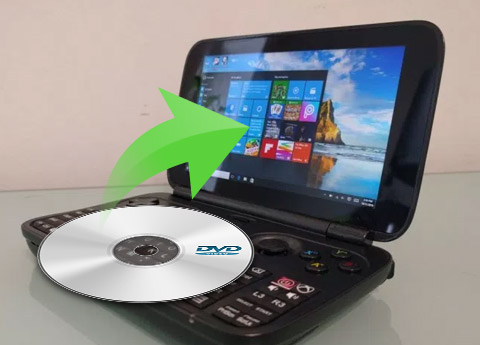
Tipard DVD to Pocket PC Converter for Mac allows anyone to Rip DVD to Pocket PC. To watch DVD movies on Pocket PC, you need to convert your DVD to Pocket PC supported formats - XviD, WMV, 3GP, 3G2 and HD WMV format. Tipard Studio highly recommends this Mac DVD to Pocket PC Converter for its uncomplicated and no time-consuming process for Mac users to convert DVD to Pocket PC, HP iPAQ, Dell, as well as General Pocket PC, etc.
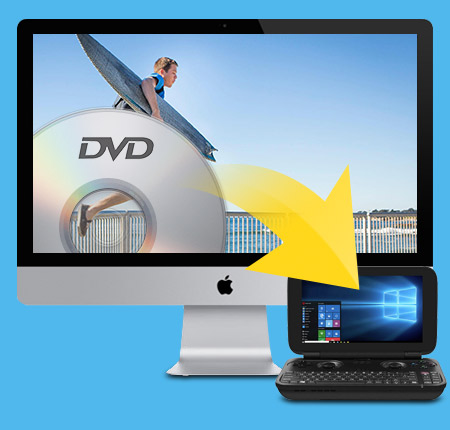
Convert DVD to Creative Zen video/audio format on Mac.
Convert DVD to Pocket PC video and audio on Mac
Tipard DVD to Pocket PC Converter for Mac can convert DVD to Pocket PC XviD, WMV, 3GP, 3G2, HD WMV video formats, and extract DVD audio to MP3, WMA format.
Support many devices
This professional Mac DVD to Pocket PC converter supports to convert DVD to Pocket PC, Xbox 360, Dell Player, HP iPAQ, Google Phone, BlackBerry Storm series, BlackBerry Bold, Palm Pre, Mobile Phone, General Pocket PC and more.
You can own the effects whatever you like
Trim clips and crop play region
Clip any segment of your DVD by setting the exact start and end time, and adjust the playing region of the video to fit for your Pocket PC and other devices.
Merge several chapters of DVD into one file
With several files merged into one file for output, you'll enjoy a single long movie with a single click.
Watermark your video
The function of Watermark enables you to add a text/image watermark to your video, and you can set its position and transparency.

Adjust settings to get the customized profile
Only one time conversion can get several different output files
Tipard Mac DVD to Pocket PC Converter allows you to set different output formats for each input file and carry out the converting operation at one time.
Set output video and audio parameters
You can set video Resolution, Bitrate, Frame Rate, Encoder and Audio Channels, Sample Rate, Encoder, Audio Bitrate, then save all those settings as user-defined profile for future use.

Use it with ease
Preview video and capture favorite pictures
It is convenient for you to preview your original video and output video effect for your further operation. You can also capture your favorite pictures and save them.
Fastest Conversion Speed and easy to use
A few clicks is needed to finish converting, you will enjoy it after one try.
Select audio track and subtitle
Tipard DVD to Pocket PC Converter for Mac allows you to choose the audio track and subtitle (No Subtitle) for your converted video.
Processor: Intel® processor and Apple M1/M2 chip
OS Supported: macOS 10.12 or above (highly support macOS Sonoma)
Hardware Requirements: 512MB RAM, Super VGA (800×600) resolution, 16-bit graphics card or higher
Hint: PowerPC Processor is not supported, but if you need such an application for PowerPC, we can make one for you. Just contact us by email: marketing@tipard.com.
| Supported Input File Formats | |
Support all commercial DVD (including DVD with the restriction of CSS, Region, RCE, Sony ARccOS) |
|
| Support Output File Formats | |
| Video | XviD, WMV, 3GP, 3G2 | HD Video | HD WMV |
| Audio | MP3, WMA |
| Snapshot Image | JPEG, GIF, BMP |
| Support Devices | |
Xbox 360, Dell Player, HP iPAQ, Google Phone, BlackBerry Storm series, BlackBerry Bold, Palm Pre, Mobile Phone, General Pocket PC |
|
Tipard DVD Ripper is the best DVD ripping software to rip DVD (include decrypted DVD) to any format like MP4, AVI, WMV, MOV, MKV, MP3, etc.
Tipard DVD Creator can create/burn DVD with any video like MP4, HD videos, downloaded online video to DVD under fast speed .




Home | About | Privacy Policy | Terms of Use | Affiliate | Support | Contact Us
Copyright © 2024 Tipard Studio. All Rights Reserved.